Customer relationships don’t belong to a single department. Marketing, sales, customer service, and operations all interact with customers—and when those teams work in silos, customers feel the inconsistency. That’s where collaborative customer relationship management comes in.
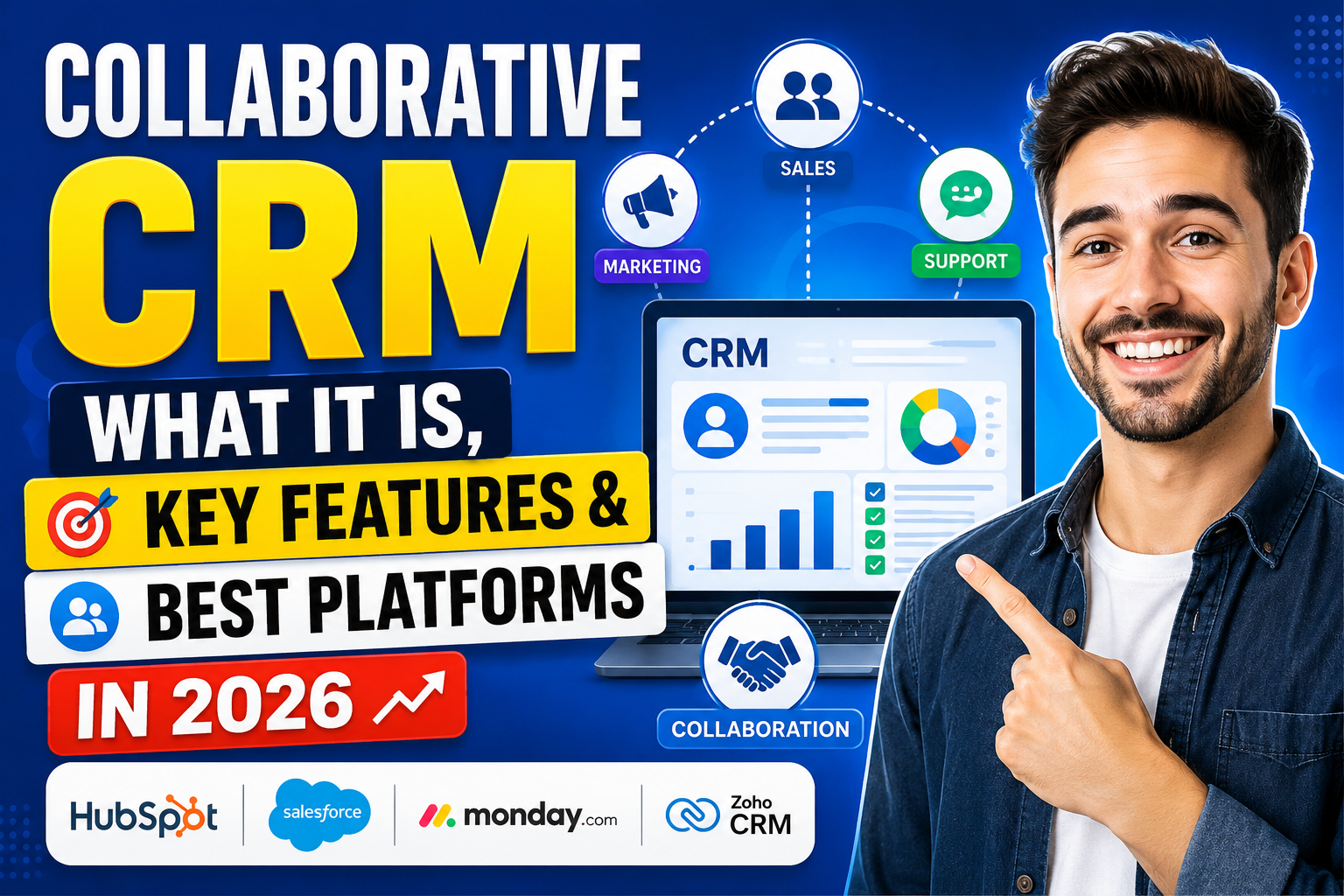
A collaborative CRM (also called “collab CRM”) is designed to break down departmental silos by providing a shared platform where all customer-facing teams can access and contribute to a unified view of the customer relationship.
What Is Collaborative CRM?
CRM collaboration refers to the strategy and tools that enable different teams within an organization to share customer data, communication history, and insights in real time. A collaborative CRM platform centralizes this information so that whether a sales rep, support agent, or marketing professional interacts with a customer, they have complete context about every previous touchpoint.
Collaborative CRM is one of three primary CRM types, alongside operational CRM (focused on automating business processes) and analytical CRM (focused on analyzing customer data). In practice, most modern CRM platforms combine all three.
Why CRM Collaboration Matters
Seamless Customer Experience
When a support agent can see the sales rep’s last conversation, or a marketing team can see which customers recently had service issues, they can tailor communications to avoid friction and deliver relevant, empathetic messaging.
Faster Problem Resolution
Support teams with access to the complete customer history—products purchased, promises made, previous issues—resolve problems faster and with fewer escalations.
Higher Upsell and Cross-Sell Success
Sales teams informed by customer service data know which customers are satisfied (and ready for expansion conversations) versus those with open issues (who should not receive upsell campaigns).
Consistent Brand Communication
A shared communication log prevents the nightmare scenario where a customer receives conflicting information from different departments—a common issue in companies without CRM collaboration.
Key Features of a Collaborative CRM
Shared Contact and Account Records
All teams access the same contact database. Sales, marketing, and support see the complete interaction history, open issues, purchase history, and communication preferences for every customer.
Internal Collaboration Tools
Shared notes, @mentions, task assignments, and internal comments on contact records allow teams to communicate about specific customers without using separate email threads or Slack channels.
Multi-Channel Communication Hub
Centralize all customer communications—email, phone, chat, social media, and SMS—in a single timeline so any team member has full context regardless of how the customer reached out.
Team-Based Pipelines and Views
Different teams can have customized pipeline views and dashboards while working from the same underlying data, ensuring everyone sees what’s relevant to their role.
Document and File Sharing
Attach contracts, proposals, tickets, and support documents directly to customer records so all teams can access the files they need without searching through email threads.
Integration Hub
Connect your CRM with tools used by every team—marketing automation, help desk, project management, accounting—so data flows automatically between systems.
Collaborative CRM vs. Operational CRM vs. Analytical CRM
| Type | Primary Focus | Main Users |
|---|---|---|
| Collaborative CRM | Sharing customer data across teams | All customer-facing teams |
| Operational CRM | Automating sales, marketing, service processes | Sales, Marketing, Support |
| Analytical CRM | Analyzing customer data for insights | Data teams, Executives |
Best Collaborative CRM Platforms in 2026
HubSpot CRM
HubSpot’s unified platform combines marketing, sales, and service in a single CRM, with built-in collaboration features like shared inbox, @mentions, task assignment, and cross-team visibility. Its free tier is excellent for small teams starting their collaboration journey.
Salesforce
Salesforce’s Chatter feature enables social collaboration within CRM records, while its multi-cloud architecture allows sales, service, and marketing teams to share customer data across Sales Cloud, Service Cloud, and Marketing Cloud.
Microsoft Dynamics 365
Deep integration with Microsoft Teams enables real-time collaboration on customer records. Sales, service, and marketing teams can collaborate in Teams meetings while accessing Dynamics 365 data simultaneously.
Freshworks CRM (Freshsales + Freshdesk)
Freshworks provides tight integration between its sales CRM (Freshsales) and customer service platform (Freshdesk), creating a genuinely collaborative customer management environment where sales and support share complete customer context.
Zoho CRM
Zoho’s collaboration features include team feeds, document sharing, internal chat, and cross-module visibility that enables true cross-functional CRM collaboration at an affordable price point.
Implementing a Collaborative CRM Strategy
Break Down Data Silos First
Before choosing a platform, audit where customer data currently lives—separate sales spreadsheets, support ticket systems, marketing databases—and plan how to consolidate it into a single source of truth.
Define Cross-Team Data Ownership
Establish clear ownership rules: which team creates and maintains account records? Who can update contact fields? Who is responsible for data quality? Clear governance prevents conflicting updates.
Train All Teams Together
CRM collaboration only works if all teams use the platform consistently. Joint training sessions that show each team how other departments use the same data build buy-in and mutual respect for shared records.
Related Resources
Frequently Asked Questions
What is collaborative CRM?
Collaborative CRM is a type of customer relationship management strategy and software that focuses on sharing customer data across all departments—sales, marketing, customer service, and operations. It ensures every team has complete visibility into the customer relationship, enabling consistent,
informed interactions at every touchpoint.
What is the difference between collaborative and operational CRM?
Operational CRM automates business processes like sales pipelines, marketing campaigns, and customer service workflows. Collaborative CRM focuses on sharing information and enabling cross-team cooperation. Most modern platforms combine both,
offering automation alongside collaboration features in a single unified system.
Why do businesses need collaborative CRM?
Businesses need collaborative CRM to eliminate departmental silos that lead to inconsistent customer experiences, duplicate efforts, and missed opportunities. When all teams work from the same customer data,
they can deliver seamless experiences that improve satisfaction, reduce churn, and increase revenue.
What features make a CRM collaborative?
Key collaborative CRM features include shared contact and account records visible to all teams, internal commenting and @mention capabilities, multi-channel communication logs, cross-team pipeline views,
document sharing on customer records, and deep integrations with tools used by different departments.
Conclusion
Collaborative customer relationship management is the foundation of customer-centric businesses. By breaking down silos and giving every team a unified view of the customer,
collaborative CRM platforms enable the consistent, personalized experiences that build lasting loyalty.
Ready to build a collaborative CRM tailored to your organization’s unique workflows? Explore VBWebSol’s custom CRM development services or contact us today.