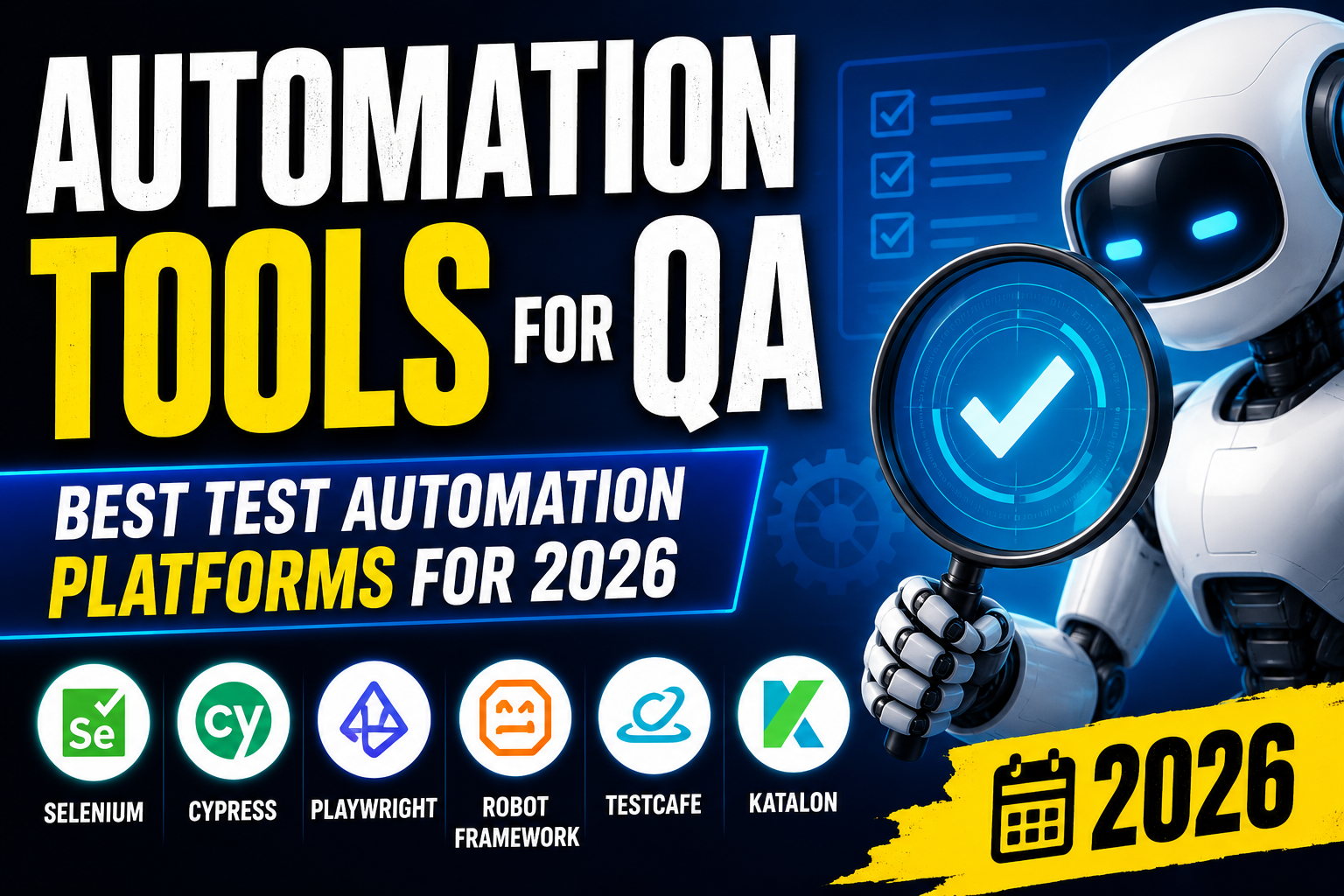
Quality assurance is no longer just about manually testing software—it’s about building efficient, reliable automation frameworks that catch bugs early, speed up release cycles, and maintain confidence in your codebase as it grows. The right automation tools for QA can transform your testing strategy from a bottleneck into a competitive advantage.
In this guide, we cover the top QA automation tools for 2026, how to evaluate them, and best practices for building a sustainable test automation strategy.
Why QA Automation Matters
Manual testing cannot scale with modern software development. In Agile and CI/CD environments where code is deployed multiple times per day:
- Manual regression testing takes too long to fit in sprint cycles
- Human testers miss edge cases and become fatigued with repetitive tests
- Untested deployments increase production defect rates
- Slow release cycles cost businesses competitive advantage
QA automation addresses all of these challenges by running tests automatically, consistently, and rapidly—at every stage of the development pipeline.
Types of Test Automation
Unit Testing
Tests individual functions or components in isolation. Fastest and most granular level of automation. Run thousands of unit tests in seconds.
Integration Testing
Tests how different components or services interact. Catches interface mismatches and data flow issues between modules.
End-to-End (E2E) Testing
Simulates complete user journeys through the application UI. Most realistic but slowest type of automated test. Tools like Selenium, Cypress, and Playwright specialize here.
API Testing
Tests backend APIs directly without the UI layer. Faster than E2E and critical for microservices architectures.
Performance Testing
Measures application response times, throughput, and stability under load. Tools like JMeter and k6 simulate concurrent users.
Visual/UI Testing
Captures screenshots and compares them against baselines to detect unintended visual regressions in layout or styling.
Best Automation Tools for QA in 2026
Selenium WebDriver
Best for: Cross-browser E2E testing with maximum language support
Selenium remains the most widely used E2E testing framework globally. It supports Java, Python, C#, Ruby, JavaScript, and Kotlin, and runs tests against all major browsers. Selenium 4 introduced CDP (Chrome DevTools Protocol) support, improved relative locators, and better grid architecture.
Pros: Massive community, multi-language support, extensive integrations
Cons: Slower than newer tools, requires more boilerplate, flaky tests more common
Cypress
Best for: Modern JavaScript E2E testing with excellent developer experience
Cypress runs directly in the browser, enabling faster test execution and real-time debugging. Its automatic waiting eliminates the explicit waits common in Selenium tests. The Cypress Dashboard provides test recording, parallelization, and analytics.
Pros: Excellent debugging, fast execution, built-in assertions, great documentation
Cons: JavaScript/TypeScript only, limited multi-tab support, primarily Chrome-based
Playwright
Best for: Cross-browser E2E testing with modern architecture
Playwright by Microsoft has rapidly become one of the most popular automation tools for QA. It supports Chromium, Firefox, and WebKit from a single API, runs tests in parallel by default, and supports multiple languages (Node.js, Python, Java, C#). Its network interception, mobile emulation, and visual comparison features are industry-leading.
Pros: True cross-browser, fast parallel execution, built-in tracing, excellent reliability
Cons: Newer with smaller community than Selenium
Appium
Best for: Mobile test automation (iOS and Android)
Appium is the standard for mobile E2E test automation. It extends the WebDriver protocol to native, hybrid, and mobile web apps on both iOS and Android—using the same API as Selenium for consistency.
Postman/Newman
Best for: API testing and automation
Postman is the most popular API testing tool, with a GUI for building and running API tests. Newman is its CLI runner for CI/CD integration. Postman’s Collection Runner and monitoring features make API automation accessible to both developers and QA teams.
JMeter
Best for: Performance and load testing
Apache JMeter is the standard open-source performance testing tool. It simulates concurrent user loads to identify performance bottlenecks under realistic traffic conditions. JMeter supports HTTP, SOAP, REST, FTP, and database load testing.
TestCafe
Best for: Cross-browser testing without WebDriver dependencies
TestCafe injects a JavaScript proxy into the browser to run tests without WebDriver, making setup simpler than Selenium. It supports all modern browsers including Safari on macOS.
Robot Framework
Best for: Keyword-driven testing accessible to non-developers
Robot Framework uses keyword-driven syntax that makes test writing accessible to QA analysts without programming skills. It integrates with Selenium, Appium, and Requests libraries for comprehensive coverage.
CI/CD Integration for QA Automation
Automation tools for QA deliver maximum value when integrated into your CI/CD pipeline:
- Jenkins: The most popular open-source CI server, with plugins for all major test frameworks
- GitHub Actions: Native CI/CD for GitHub repositories with excellent test reporting
- GitLab CI: Built-in pipelines with Docker-based test environments
- CircleCI: Fast, scalable CI with excellent parallelization support
Configure automated tests to run on every pull request, blocking merges when tests fail—this is the foundation of a quality gate.
Choosing the Right QA Automation Tools
- Tech stack: Match the automation tool’s language support to your team’s primary languages.
- Application type: Web apps (Playwright, Cypress), mobile (Appium), APIs (Postman), performance (JMeter).
- Team skills: Less experienced testers may prefer keyword-driven tools like Robot Framework. Developers prefer code-first tools like Playwright or Cypress.
- Scale requirements: For large test suites, choose tools with strong parallelization and CI integration.
Related Resources
Frequently Asked Questions
What are the best automation tools for QA?
The best QA automation tools in 2026 include Playwright and Cypress for web E2E testing, Selenium for broad cross-browser and language support, Appium for mobile testing, Postman/Newman for API automation, and JMeter for performance testing. Tool choice depends on your application type, tech stack, and team expertise.
Is Playwright better than Selenium?
Playwright is generally considered superior to Selenium for modern web application testing due to faster execution, built-in parallelization, better reliability, and richer features like network interception and visual testing. However, Selenium’s extensive language support and massive ecosystem make it the better choice when working with non-JavaScript teams or legacy test infrastructure.
What percentage of tests should be automated?
The test automation pyramid suggests 70% unit tests, 20% integration tests, and 10% E2E tests. In practice, most teams aim to automate all regression tests, smoke tests, and critical user journeys. Manual testing remains valuable for exploratory testing, usability assessment, and tests that are too costly or complex to automate.
How do I start building a QA automation framework?
Start by selecting a tool that matches your application type and team skills. Begin with automated smoke tests covering critical user journeys. Integrate tests into your CI/CD pipeline. Add regression tests incrementally. Establish naming conventions, folder structures, and coding standards early. Invest in test data management to ensure tests run consistently.
Conclusion
Choosing the right automation tools for QA and building a robust testing strategy are essential investments for any software team aiming to ship high-quality code quickly. Whether you’re starting from scratch or evolving an existing framework, the tools covered in this guide represent the best options available in 2026.
Need custom software development with built-in quality assurance? Explore VBWebSol’s development services or contact our team to discuss your project.