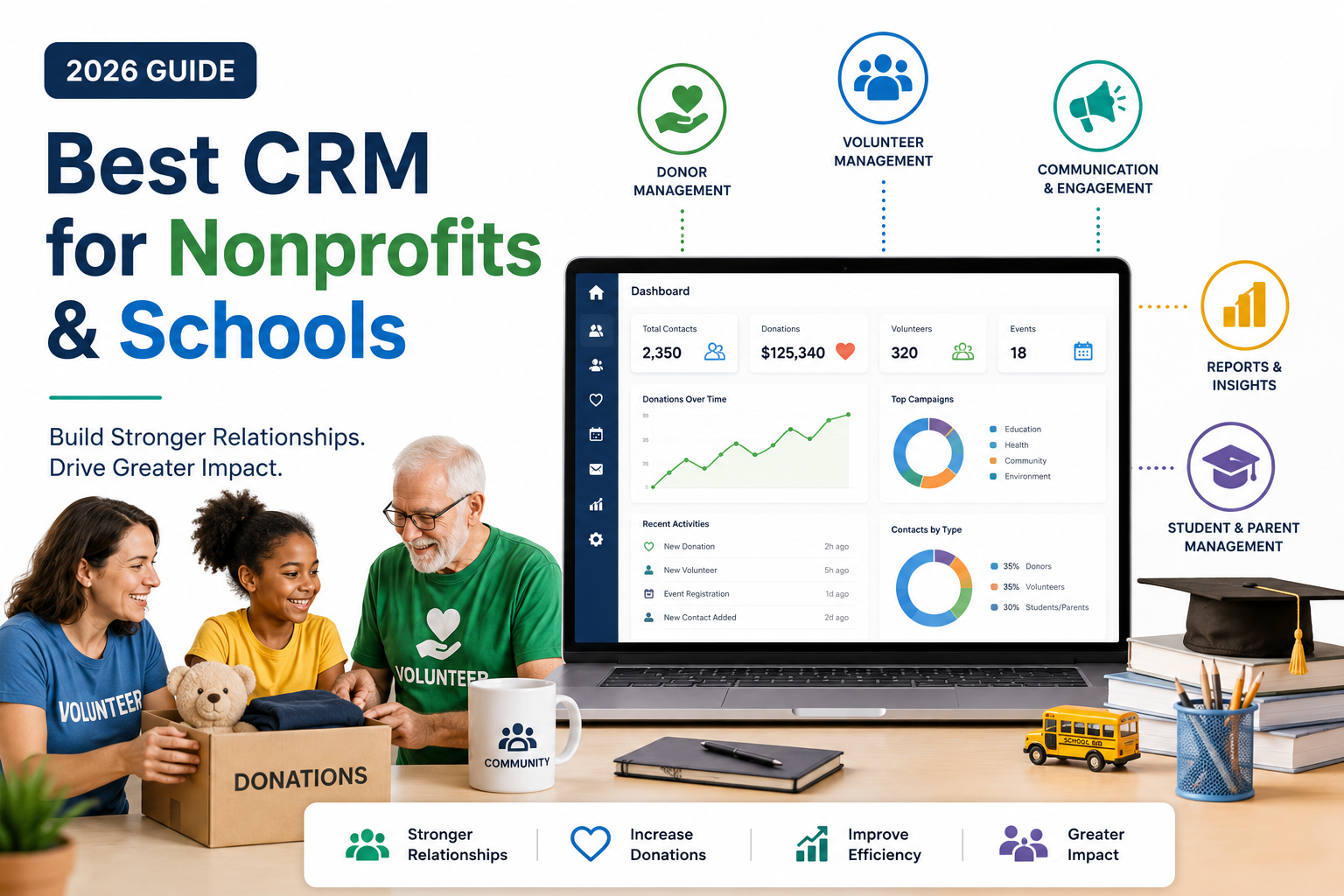
Best CRM for Nonprofits & Schools (2026 Guide)
Best CRM for Nonprofits & Schools: Nonprofits and schools run on relationships — donors, alumni, volunteers, parents, and students all need to be tracked, communicated with, and nurtured over time. Yet most mission-driven organizations are still managing this in spreadsheets, sticky notes, or CRM tools that were built for sales teams, not community-building. Choosing the right CRM in 2026 means finding a platform that understands the difference between a “lead” and a “donor,” and between a “deal” and a “student enrollment.”
This guide breaks down what a nonprofit or school actually needs from a CRM, compares the strongest options on the market, and walks through how to evaluate pricing, features, and long-term fit before you commit.
Why Nonprofits and Schools Need a Different Kind of CRM
Traditional sales CRMs are built around a linear pipeline: lead → opportunity → close. Nonprofits and educational institutions operate on cyclical, relationship-based models instead:
- Nonprofits manage donor lifecycles that repeat annually (or more often) — first gift, recurring gift, major gift cultivation, planned giving, and volunteer engagement running in parallel.
- Schools manage a different kind of pipeline entirely — prospective student inquiry, application, enrollment, alumni relations, and ongoing parent communication, often spanning years or decades.
A CRM that’s optimized for “closing deals” tends to force awkward workarounds for these use cases. That’s why a dedicated category of nonprofit- and education-focused CRMs has emerged, alongside a handful of general-purpose CRMs with strong nonprofit editions.
Key Features to Look For
Before comparing specific platforms, it helps to know what actually matters for this use case:
1. Donor and Constituent Management
The core of any nonprofit CRM is a unified constituent record — one that tracks every donation, interaction, event attendance, and communication with a person over their entire relationship with your organization, not just their most recent gift.
2. Campaign and Fund Tracking
You need the ability to tag donations to specific campaigns, funds, or appeals, and to report on performance by campaign — not just in aggregate.
3. Volunteer Management
Many nonprofit CRMs bolt on basic volunteer coordination: shift scheduling, hour tracking, and communication tools that are distinct from the donor pipeline but linked to the same constituent record.
4. Grant and Compliance Tracking
For organizations that rely on grant funding, the ability to track grant deadlines, reporting requirements, and restricted-fund compliance inside the CRM (rather than a separate spreadsheet) is a major time-saver.
5. Email and Communication Tools
Built-in or tightly integrated email marketing — segmented by donor tier, engagement level, or campaign — is table stakes in 2026. Look for automation that can trigger a thank-you sequence the moment a gift is recorded.
6. Nonprofit and Education Pricing
Many major CRM vendors offer discounted or free tiers for registered nonprofits and accredited schools. This can be the single biggest factor in total cost of ownership, so it’s worth confirming eligibility before comparing sticker prices.
7. Reporting Built for Boards and Funders
Nonprofit and school leadership need reports that speak to board members and funders — retention rate, average gift size, campaign ROI, enrollment funnel conversion — not generic sales dashboards.
Best CRM Options for Nonprofits in 2026
Salesforce Nonprofit Cloud
Salesforce offers heavily discounted licensing for eligible 501(c)(3) organizations through its nonprofit program, making its otherwise expensive enterprise-grade platform accessible to mission-driven teams. It offers the deepest customization of any option on this list, with modules for fundraising, program management, and grantmaking. The tradeoff is complexity — Salesforce Nonprofit Cloud typically requires a dedicated administrator or implementation partner to configure properly, and even with discounted licensing, the total cost of ownership (setup, customization, ongoing admin) can be significant for smaller organizations.
Bloomerang
Built specifically for small and mid-sized nonprofits, Bloomerang focuses heavily on donor retention analytics — it will actively flag donors who are at risk of lapsing based on giving patterns. It’s simpler to set up than Salesforce and includes built-in email marketing, event management, and volunteer tracking. It’s a strong fit for organizations that want a purpose-built tool without the overhead of a major platform implementation.
Neon CRM
Neon CRM combines donor management, membership management, and event registration in a single platform, which makes it a good fit for nonprofits that also run membership programs (associations, alumni groups, professional societies). Its reporting suite is one of the more robust options in this tier.
DonorPerfect
A long-standing player in the nonprofit CRM space, DonorPerfect is known for its flexibility with gift processing, pledge tracking, and matching gift management — useful for organizations with complex donation structures. Its interface feels more dated than newer competitors, but the depth of fundraising-specific functionality remains strong.
Little Green Light
A budget-friendly option aimed at small nonprofits and volunteer-run organizations, Little Green Light offers solid constituent management and reporting at a lower price point than most competitors, though it lacks some of the marketing automation depth of larger platforms.
Best CRM Options for Schools in 2026
Salesforce Education Cloud
Similar to its nonprofit counterpart, Salesforce’s education-focused offering supports the full student lifecycle — from prospective student inquiry through enrollment, academic progress tracking, and alumni relations. It’s most commonly adopted by universities and larger institutions with dedicated IT staff, rather than individual K-12 schools.
Blackbaud Education Management
Blackbaud is one of the most widely used platforms specifically for K-12 independent schools, combining admissions, enrollment management, and constituent relations with tuition billing and fundraising tools — useful for private schools that need both a school information system and a development/alumni CRM.
Slate by Technolutions
Slate is purpose-built for college and university admissions and enrollment management, with strong workflow tools for tracking applicants through the funnel and communicating with prospective students at scale. It’s less of a full CRM and more of a specialized admissions engine, which is exactly what many higher-ed institutions are looking for.
HubSpot for Education
While not education-specific out of the box, HubSpot’s free and low-cost tiers make it a popular choice for smaller schools and education nonprofits that primarily need strong email marketing and a simple contact database, without the complexity of a dedicated education platform.
CRM for Schools vs. CRM for Nonprofits: Key Differences
| Factor | Nonprofit CRM Priority | School CRM Priority |
| Core object | Donor / constituent | Student / applicant |
| Primary cycle | Annual giving cycle | Admissions → enrollment → alumni |
| Key metric | Donor retention rate | Enrollment yield rate |
| Compliance need | Grant/fund restrictions | FERPA / student data privacy |
| Communication focus | Fundraising appeals | Application status, tuition, parent updates |
How to Choose: A Step-by-Step Framework
- List your must-have workflows first. Don’t start with feature comparison charts — start by writing out your actual donor or enrollment journey, step by step, and only then match it to CRM capabilities.
- Confirm nonprofit/education pricing eligibility. Reach out to vendors directly; many discounts aren’t advertised prominently and require verification of your organization’s status.
- Weigh implementation cost, not just license cost. A “free” CRM that requires 40 hours of staff time to configure isn’t actually free. Factor in setup, data migration, and training.
- Test data migration before committing. Ask each vendor how existing donor or student records will be imported, and request a sample migration if possible.
- Prioritize staff adoption over feature count. A CRM with fewer features that your team actually uses consistently will outperform a feature-rich platform that gets abandoned after three months.
- Check integration with existing tools. Email platforms, event registration tools, payment processors, and accounting software should all connect cleanly — manual data re-entry between systems is one of the biggest silent time sinks for lean teams.
Common Mistakes to Avoid
- Choosing based on brand recognition alone. The most well-known CRM isn’t automatically the best fit for a five-person nonprofit team.
- Underestimating data migration effort. Moving years of donor history from spreadsheets or a legacy system is almost always more complex than it initially appears.
- Skipping the free trial or sandbox. Every serious vendor offers some form of trial access — use it to actually replicate your real workflows, not just click through a demo.
- Ignoring total cost of ownership. Add-on modules, per-user pricing, and implementation fees can turn an attractively priced base plan into a much larger expense.
Frequently Asked Questions
What is the best free CRM for a small nonprofit? HubSpot’s free tier and Little Green Light’s entry-level plan are commonly used by small nonprofits that need basic constituent tracking and email communication without a large budget. Eligibility for free or discounted nonprofit licensing through larger vendors like Salesforce should also be checked, since the “free” version of an enterprise platform can outperform a purpose-built free tool once your organization scales.
Do nonprofits get discounts on CRM software? Yes. Many major vendors, including Salesforce, offer significant discounts — sometimes free licensing for a set number of users — to verified 501(c)(3) organizations. Eligibility requirements and the size of the discount vary by vendor, so it’s worth confirming directly before assuming a platform is out of budget.
What’s the difference between a school CRM and a student information system (SIS)? An SIS is primarily an administrative record-keeping system — grades, attendance, schedules. A school CRM focuses on the relationship and communication side: admissions inquiries, application tracking, parent communication, and alumni engagement. Many institutions run both, sometimes integrated together.
Can a regular sales CRM work for a nonprofit or school? It can, especially for smaller organizations with simple needs, but it typically requires significant customization to model donor or student relationships correctly, and it won’t include built-in fundraising or admissions-specific reporting out of the box.
How long does it take to implement a nonprofit CRM? Implementation timelines range from a few weeks for simpler platforms with clean data migration, to several months for larger platforms like Salesforce Nonprofit Cloud, especially when custom fields, automation, and staff training are involved.
Is Salesforce good for small nonprofits? Salesforce’s nonprofit licensing discount makes the platform financially accessible even to small organizations, but the implementation complexity can be a real barrier without dedicated admin support or an implementation partner. Smaller, purpose-built platforms are often a better fit for organizations without the capacity to manage a Salesforce build-out.