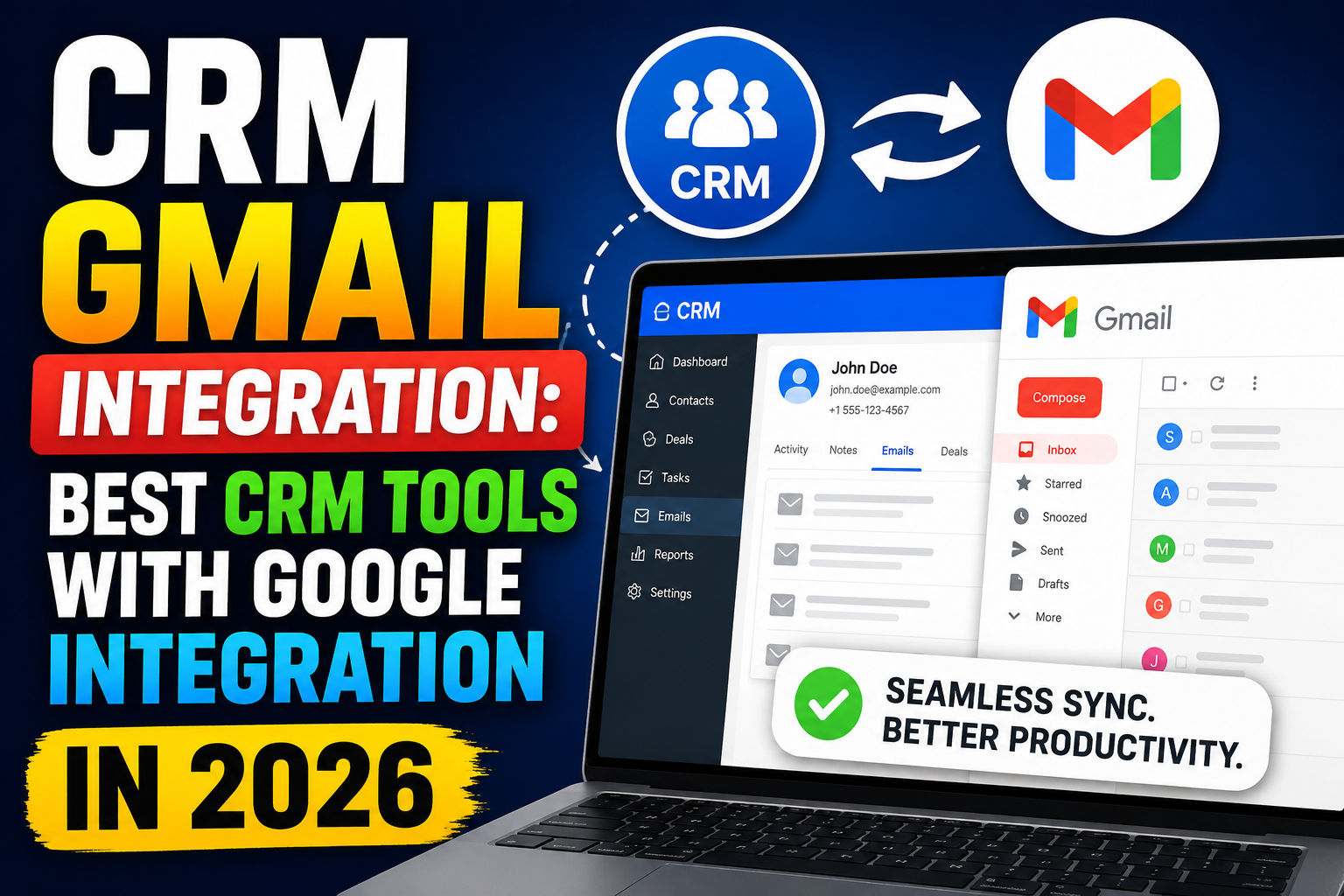
Sales teams live in their inbox. If your CRM doesn’t connect seamlessly with Gmail, your team will waste hours every week switching between tools, manually logging emails, and risking data inconsistencies. A powerful CRM Gmail integration eliminates this friction by bringing your CRM data directly into your email workflow.
In this guide, we cover everything you need to know about CRM Google integration—what it means, how it works, what features to look for, and which platforms deliver the best Gmail-connected CRM experience in 2026.
What Is CRM Gmail Integration?
A CRM integrated with Gmail connects your customer relationship management platform with Google’s email and productivity suite. This means emails sent and received in Gmail are automatically logged in your CRM, contact records are accessible from your inbox, and calendar events sync bidirectionally between Google Calendar and your CRM.
The result is a unified workspace where sales reps never have to leave Gmail to access deal data, log activities, or update pipeline stages.
Why CRM Google Integration Matters
Eliminate Manual Data Entry
Without integration, sales reps must manually copy email conversations into the CRM. This is time-consuming and error-prone. CRM Google integration automates this process, ensuring every email is captured without any manual effort.
Complete Activity History
When Gmail is connected to your CRM, every email exchange is timestamped and linked to the correct contact, deal, and company record—giving your team a complete picture of every relationship.
Faster Response Times
With CRM sidebar panels inside Gmail, reps can see contact information, deal stage, open tasks, and recent activity without switching tabs. This speeds up email responses and personalization.
Better Team Collaboration
Managers and teammates can see email activity on shared accounts or deals without asking for updates—improving visibility across the entire sales team.
Key Features of a Strong CRM Gmail Integration
1. Automatic Email Logging
Every email sent or received is automatically logged against the relevant contact and deal in your CRM. No BCC tricks or manual copying required.
2. Gmail Sidebar/Panel
A CRM sidebar embedded inside Gmail lets you view contact details, deal history, tasks, and notes while composing or reading emails.
3. Google Calendar Sync
Meeting invitations, follow-up calls, and demo appointments created in Google Calendar appear in your CRM timeline—and vice versa.
4. Google Contacts Sync
New contacts added in Gmail are automatically created in your CRM, and updates flow both ways to keep contact records consistent.
5. Email Templates and Sequences
Send CRM-powered email templates directly from Gmail, track opens and clicks, and enroll contacts in automated follow-up sequences without leaving your inbox.
6. Google Drive Integration
Attach proposals, contracts, and documents from Google Drive directly to CRM deals and email them to clients—all from a single interface.
Best CRM Platforms with Gmail Integration
HubSpot CRM
HubSpot offers one of the best Gmail integrations available, with a free Chrome extension that embeds a full CRM sidebar inside Gmail. Email logging, tracking, templates, and sequences all work directly from your inbox.
Salesforce
Salesforce’s Gmail integration via the Salesforce Inbox add-on provides deep two-way sync for enterprise teams. It supports automatic logging, calendar sync, and AI-powered activity capture.
Pipedrive
Pipedrive’s Gmail integration offers automatic email sync, smart contact linking, and a sidebar panel that shows deal details alongside incoming emails.
Zoho CRM
Zoho’s Gmail integration includes automatic email association, lead capture from Gmail, and deep Google Workspace connectivity for contacts and calendar.
Streak CRM
Streak is unique in being built entirely inside Gmail. It turns your inbox into a CRM with pipelines, mail merge, and tracking—all without leaving Google’s interface.
Copper CRM
Copper is purpose-built for Google Workspace and offers the tightest Gmail integration of any CRM. It automatically logs emails, syncs contacts, and updates deal stages from directly inside Gmail.
How to Set Up CRM Gmail Integration
Step 1: Choose Your CRM
Select a CRM that lists Google Workspace as a native integration. Avoid platforms that only offer one-way email syncing or require complex API configuration.
Step 2: Install the Chrome Extension
Most CRM Gmail integrations work via a Chrome extension that adds a sidebar panel to your Gmail interface. Install it from the Chrome Web Store and connect your CRM account.
Step 3: Configure Email Logging Settings
Set your logging preferences—whether to auto-log all emails or only specific conversations. Define which domains to exclude (e.g., internal team emails).
Step 4: Enable Google Calendar Sync
Authorize your CRM to access Google Calendar so meetings are automatically logged as activities against the relevant contacts and deals.
Step 5: Train Your Team
Run a brief onboarding session showing reps how to use the CRM sidebar, access deal data from Gmail, and log activities with one click.
Custom CRM with Gmail Integration
If your business has specific workflows that off-the-shelf CRM Gmail integrations don’t support, a custom-built CRM with Gmail integration may be the right solution. Custom development allows you to build exactly the logging rules, automation triggers, and data mapping your team needs.
Related Resources
Frequently Asked Questions
What is CRM Gmail integration?
CRM Gmail integration connects your CRM platform with Gmail so emails are automatically logged, contact data is accessible from your inbox, and Google Calendar events sync with your CRM timeline—eliminating manual data entry and improving sales productivity.
Which CRM has the best Gmail integration?
Copper CRM is purpose-built for Google Workspace and offers the deepest Gmail integration. HubSpot and Pipedrive also offer excellent Gmail connectivity through Chrome extensions with two-way sync, email tracking, and sidebar panels.
Is CRM Gmail integration free?
Many CRMs offer free Gmail integration features. HubSpot’s free CRM includes Gmail integration at no cost. Other platforms like Copper and Salesforce charge for advanced Gmail features as part of their paid plans.
Does CRM Gmail integration work with Google Workspace?
Yes, all major CRMs with Gmail integration also support Google Workspace (formerly G Suite). This includes sync with Google Calendar, Google Contacts, and Google Drive in addition to Gmail email logging.
Conclusion
A CRM Gmail integration is no longer a nice-to-have—it’s essential for modern sales teams. By bringing CRM data into your Gmail inbox, your team can respond faster, personalize better, and never miss a follow-up.
Looking to build a custom CRM with deep Gmail and Google Workspace integration? Explore VBWebSol’s CRM development services or contact our team for a consultation.