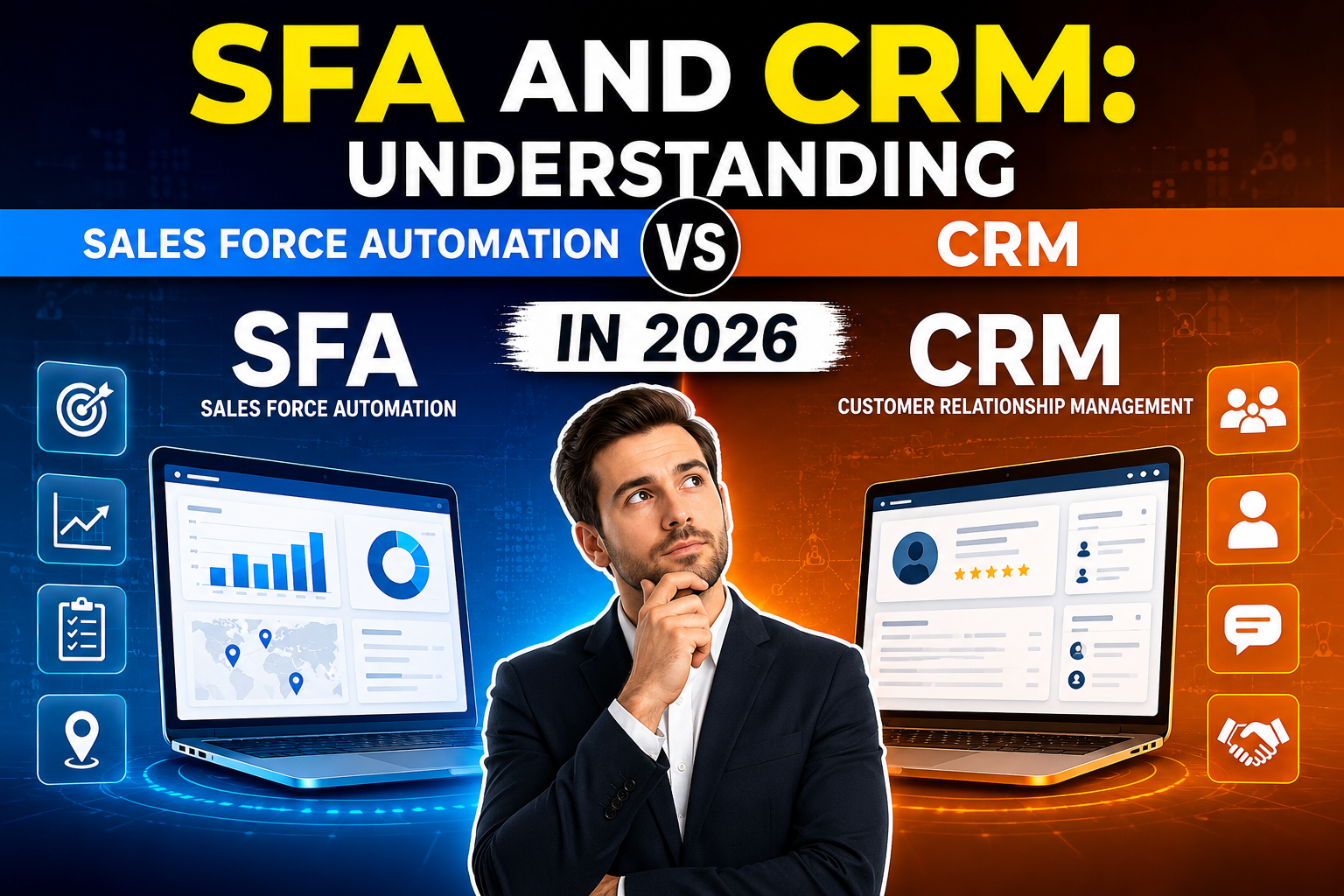
SFA and CRM are related but distinct concepts in sales technology. Understanding their differences—and how they work together—is essential for building a sales technology stack that genuinely improves team performance.
What Is CRM?
CRM (Customer Relationship Management) is the broader strategic approach and technology system for managing all relationships and interactions with customers and prospects. CRM covers the entire customer lifecycle—marketing, sales, service, and retention—focusing on building and maintaining relationships over time.
CRMs as software includes:
- Contact and company databases
- Interaction history and communication logging
- Customer service and support management
- Marketing campaign management
- Analytics across the full customer lifecycle
What Is SFA (Sales Force Automation)?
SFA (Sales Force Automation) is a subset of CRM specifically focused on automating and streamlining the sales process. Where CRM is strategic and spans multiple departments, SFA is operational and focuses on making individual sales reps and teams more productive and effective.
SFA capabilities include:
- Lead and opportunity management
- Sales pipeline and deal tracking
- Activity management (calls, emails, meetings)
- Quote and proposal generation
- Sales forecasting
- Territory and quota management
- Sales performance reporting
- Automated follow-up reminders
SFA vs CRM: Key Differences
| Aspect | SFA | CRM |
|---|---|---|
| Focus | Sales process efficiency | Full customer lifecycle |
| Users | Sales reps and managers | Sales, marketing, service, leadership |
| Goal | Close more deals faster | Build lasting customer relationships |
| Scope | Pre-sale (leads through close) | Pre-sale through retention and support |
| Key metrics | Win rate, quota attainment, pipeline | CLV, NPS, retention, CSAT |
How SFA and CRM Work Together
Modern CRM platforms include SFA capabilities as a core module—Salesforce, HubSpot, and Zoho CRM all incorporate full sales force automation within their CRM framework. The distinction matters conceptually but is less meaningful in practice when choosing software.
Think of it this way:
- SFA answers: How do we help our sales team close more deals more efficiently?
- CRM answers: How do we manage the complete customer relationship from first contact through lifetime value?
The best implementations use SFA tools embedded within a broader CRM strategy that extends beyond the sales team.
SFA Features in Leading CRM Platforms
Salesforce Sales Cloud: The gold standard for enterprise SFA—opportunity management, forecasting, territory management, CPQ (configure, price, quote), and AI-powered deal insights.
HubSpot Sales Hub: Strong SFA for SMBs and mid-market—sequences, meeting scheduling, deal pipeline, and email tracking at competitive pricing.
Pipedrive: Purpose-built SFA-focused CRM with the best visual pipeline for deal management. Less emphasis on post-sale CRM capabilities.
Zoho CRM: Comprehensive SFA within a full CRM suite at excellent value—territory management, gamification, AI predictions, and blueprint process automation.
FAQ
What is the difference between SFA and CRMs?
SFA (Sales Force Automation) focuses specifically on automating and streamlining the sales process—lead management, pipeline tracking, forecasting, and activity automation. CRM (Customer Relationship Management) is broader, covering the full customer lifecycle including marketing, sales, customer service, and retention analytics. SFA is a component within a complete CRM strategy.
Is Salesforce an SFA or CRMs?
Salesforce is both—it’s a comprehensive CRM platform that includes powerful SFA capabilities (Sales Cloud). Sales Cloud provides enterprise-grade sales force automation within Salesforce’s broader CRM ecosystem that also covers Service Cloud (customer service), Marketing Cloud, and Commerce Cloud.
Can a small business use SFA?
Yes—modern CRM platforms with strong SFA capabilities like HubSpot Sales Hub, Pipedrive, and Zoho CRM offer small business pricing that includes sales force automation features. Even the free tiers of HubSpot and Zoho CRMs include basic SFA functionality like pipeline management and activity tracking.
What are the benefits of SFA?
SFAs benefits include: higher sales productivity through automated administrative tasks, better pipeline visibility for accurate forecasting, improved follow-up consistency through automated reminders, faster onboarding of new reps through guided sales processes, and management insight into team performance through activity and outcome analytics.
Conclusion
SFA and CRMs work best together—SFA tools make your sales team more productive in the pre-sale phase, while CRM strategy ensures those new customers are retained and grown into long-term relationships. Most modern platforms provide both within a unified system.
Explore VBWebSol’s custom CRM and SFA solutions or contact us.