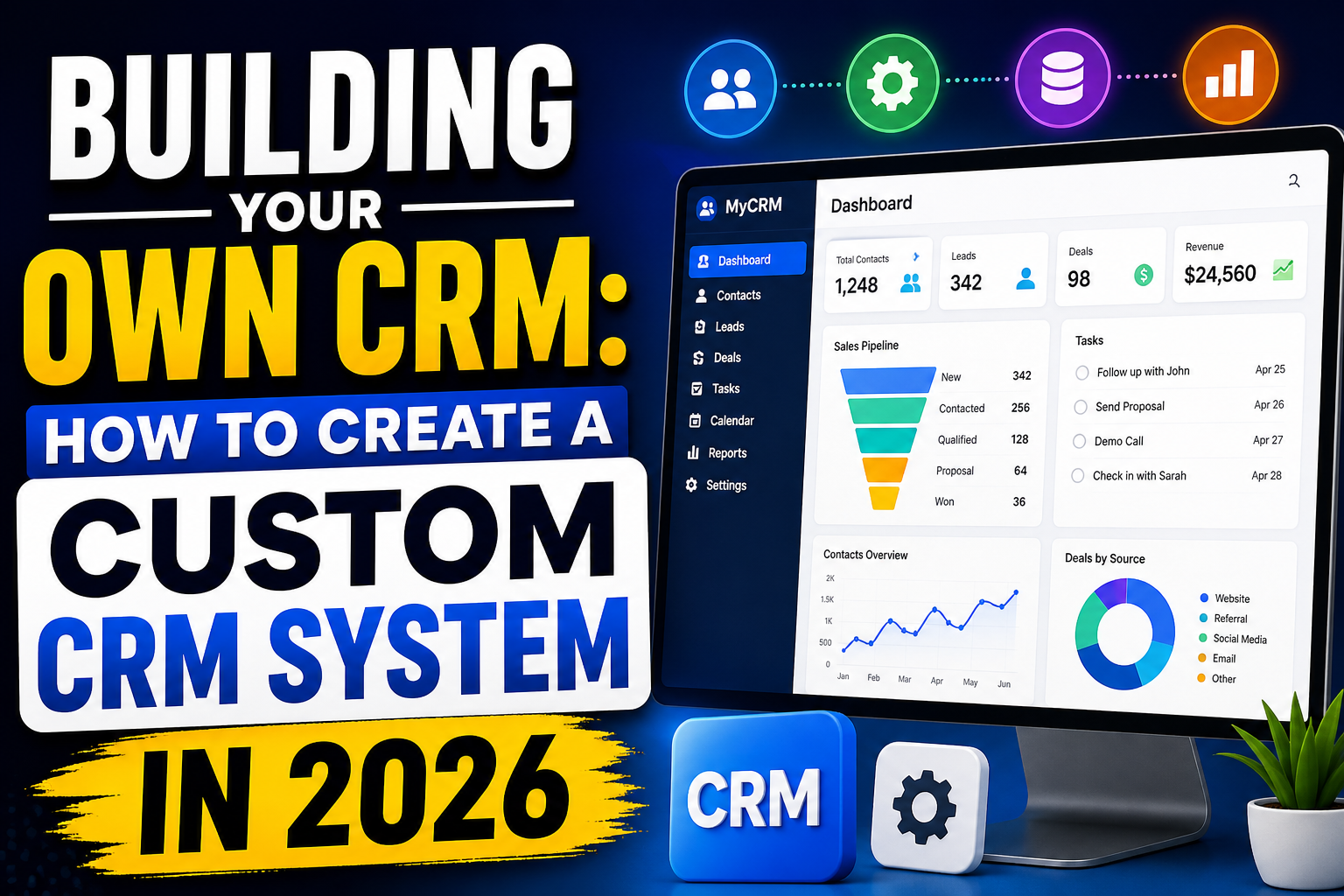
Building your own CRM is a significant undertaking—but for businesses with unique processes, specific integration requirements, or growth trajectories that make per-seat licensing prohibitively expensive, custom CRM development can deliver exceptional long-term value. This guide walks through when it makes sense, what’s involved, and how to approach creating your own CRM.
When Does Building Your Own CRM Make Sense?
Custom CRM development is the right choice when:
- Your process doesn’t fit off-the-shelf: If you’ve tried standard CRMs and find yourself working around their limitations constantly, your process may be genuinely unique enough to justify custom development
- Per-seat pricing is becoming prohibitive: At 50–100+ users, per-seat CRM licensing costs often exceed the cost of custom development within 2–3 years
- Deep integration requirements: When your CRM needs to integrate tightly with proprietary systems that generic CRMs can’t connect to adequately
- Data ownership is critical: Regulated industries or privacy-sensitive businesses may require on-premise hosting that SaaS CRMs don’t support
- Competitive differentiation: Your customer relationship methodology is genuinely unique and a competitive advantage worth protecting
Planning Your Custom CRM Build
Step 1: Define Your Requirements
Document every feature you need in priority order. Start with the essential processes your team performs daily—contact management, pipeline stages, activity logging. Then add integrations, automation rules, and reporting requirements.
Step 2: Choose Your Approach
You have three main options:
- Build from scratch: Maximum control, highest cost and time investment
- Extend an open-source base: SuiteCRM, Odoo, or EspoCRM provide a foundation to customize—faster and cheaper than scratch
- Low-code/no-code custom: Use platforms like Airtable + Make.com, Bubble.io, or AppGyver to build a CRM-like system without traditional development
Step 3: Define Your Technology Stack
A modern custom CRM typically uses:
- Frontend: React.js or Vue.js for a responsive web application
- Backend: Node.js, Python (FastAPI/Django), or Laravel (PHP)
- Database: PostgreSQL or MySQL for relational data
- Hosting: AWS, Google Cloud, or Azure
- Authentication: Auth0 or custom JWT implementation
Key Features to Include in Your Custom CRM
- Contact and company management with custom fields
- Sales pipeline with configurable stages
- Activity and interaction logging
- Task and reminder system
- Email integration (Gmail/Outlook API)
- Reporting dashboard with key metrics
- User roles and permission management
- Mobile-responsive design (or native mobile app)
- REST API for future integrations
- Data import/export functionality
Custom CRM Development Cost
| Scope | Development Time | Estimated Cost |
|---|---|---|
| Basic CRM (contacts, pipeline, activities) | 3–5 months | $20,000–$60,000 |
| Full-featured CRM with automation | 6–12 months | $80,000–$200,000 |
| Enterprise CRM with complex integrations | 12–24 months | $200,000–$500,000+ |
Annual maintenance typically adds 15–20% of development cost for bug fixes, updates, and minor enhancements.
Open-Source CRM as a Starting Point
Building on an open-source CRM base like SuiteCRM, EspoCRM, or Vtiger can reduce development time by 40–60%—the core functionality exists and you customize/extend it. This approach works well when your needs are close to standard CRM but require specific modifications.
FAQ
Should I build my own CRM or buy one?
Buy a standard CRM if your process is conventional and your team is under 50 users. Build a custom CRM if your workflow is genuinely unique, you need deep integration with proprietary systems, per-seat costs are becoming prohibitive, or data sovereignty requires on-premise hosting.
How long does it take to build a CRM?
A basic custom CRM takes 3–5 months. A full-featured system with automation and integrations takes 6–12 months. Using an open-source base or low-code platform reduces timelines by 30–50%. Agile development with regular sprint reviews keeps stakeholders aligned throughout.
What technology should I use to build a CRM?
A modern custom CRM typically uses React or Vue.js for frontend, Node.js or Python for backend, PostgreSQL for the database, and cloud hosting on AWS or GCP. The specific stack should match your development team’s expertise for easier long-term maintenance.
Can I build a CRM without coding?
Yes—platforms like Airtable, Notion, Bubble.io, and AppGyver enable building CRM-like systems without traditional code. These work for simple use cases but have limitations in complexity, performance, and customization compared to fully coded custom development.
Conclusion
Building your own CRM is a strategic investment that pays dividends when your requirements genuinely exceed what off-the-shelf platforms offer. With the right planning, technology choices, and development partner, a custom CRM becomes a lasting competitive advantage.
Ready to build a custom CRM? Explore VBWebSol’s custom CRM development or contact us for a free consultation.