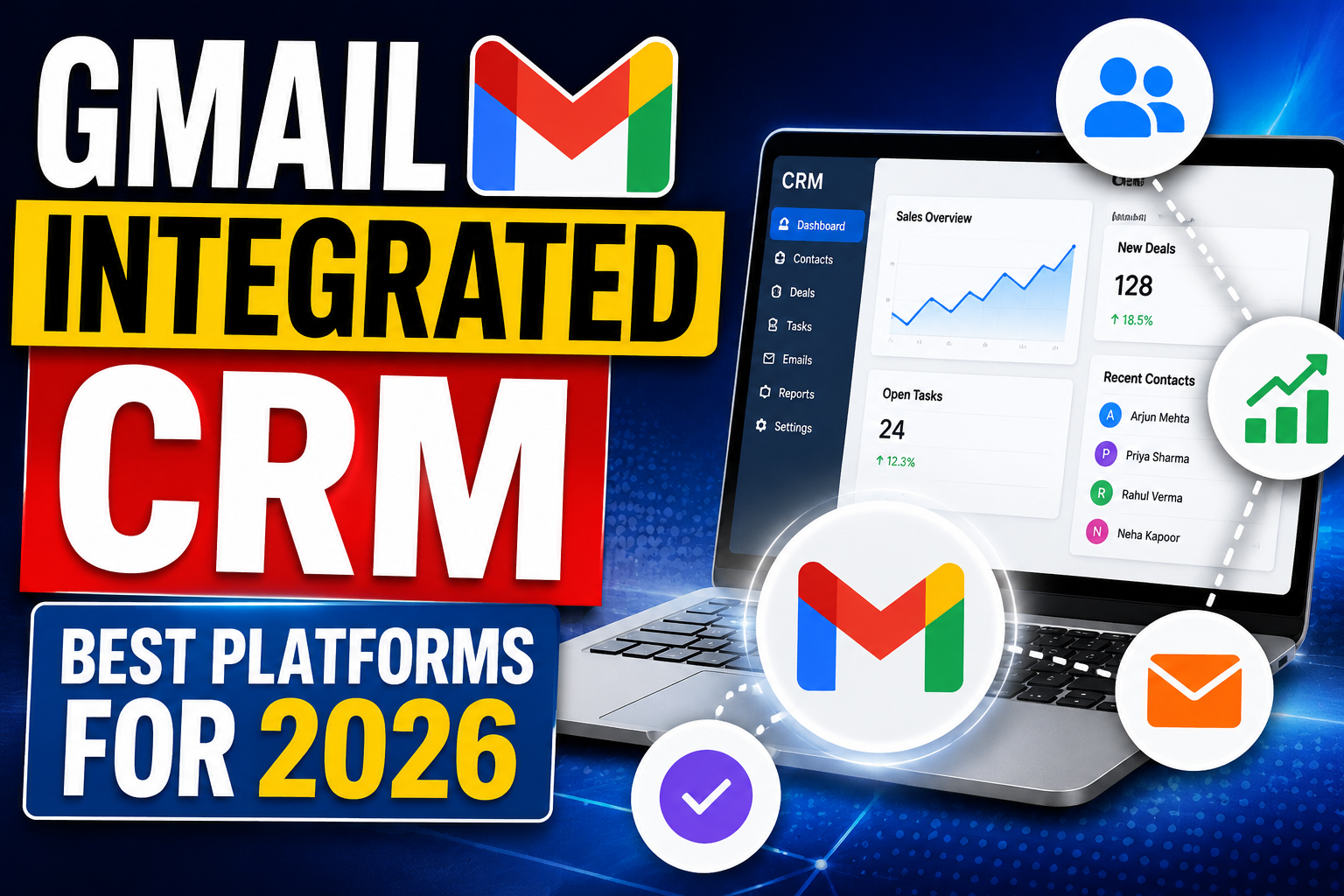
For sales teams and relationship managers who live in Gmail, a deeply integrated CRM transforms their primary communication tool into a relationship intelligence hub. Instead of switching between email and CRM dozens of times per day — logging emails, updating contact records, checking interaction history — a Gmail integrated CRM brings all of that context directly into the inbox, while automatically capturing every email communication to the CRM without manual effort. The result is more time selling, better relationship context at every touchpoint, and a CRM database that stays accurate without relying on disciplined manual data entry.
This guide reviews the best Gmail integrated CRM platforms available in 2026,
examining the depth and quality of their Gmail integration, the additional CRM capabilities they provide,
and how to choose the right solution for your specific team and business requirements.
What Makes a Great Gmail CRM Integration?
Not all Gmail CRM integrations are equal — there is a significant quality spectrum between shallow, read-only email tracking and deep,
bidirectional integration that makes Gmail and CRM genuinely unified. The hallmarks of excellent Gmail CRM integration are: Automatic email capture: Every email sent and received through Gmail is automatically logged to the relevant contact’s CRM record without any manual action from the user. This eliminates the most common CRM adoption barrier — the daily discipline of manually logging communications. Contextual sidebar: A CRM panel embedded in the Gmail sidebar shows the complete relationship context for each email — contact details, deal status, recent activities, and open tasks — without leaving the email interface.
One-click actions: Creating contacts, updating deal stages, creating follow-up tasks,
and enroling prospects in email sequences all from within Gmail without switching to the CRM interface. Email tracking: Real-time notification when emails are opened and links are clicked, enabling timely follow-up at the moment of peak prospect engagement. Template access: CRM email templates accessible directly from the Gmail compose window, ensuring consistent, professional communications while saving writing time.
Bidirectional vs One-Way Sync
There is an important distinction between CRM tools that simply import Gmail emails into the CRM (one-way sync) and those that create a genuinely bidirectional connection where data flows in both directions in real time. True bidirectional integration means: emails sent from Gmail appear in CRM,
emails sent from CRM appear in Gmail sent folder,
contact updates in CRM are reflected in Gmail contact details,
and meeting bookings from Gmail calendar sync with CRM activity records. Bidirectional integration eliminates data inconsistency between the two systems and provides a single source of truth for customer communication history.
Best Gmail Integrated CRM Platforms
HubSpot CRM: The gold standard for Gmail CRM integration — the HubSpot Sales Chrome extension provides a comprehensive sidebar showing contact and deal information within Gmail,
automatic email logging, email tracking with real-time open notifications, sequence enrollment, and meeting booking links. Free for the core integration; paid plans from $15/user/month unlock advanced features. Best for: teams wanting the deepest Gmail integration at the lowest cost. Streak: The most Gmail-native CRM option — Streak lives entirely within Gmail, turning email conversations into deal pipelines without any external CRM interface. Excellent for teams that want to manage their entire sales process without leaving Gmail. Pricing from $15/user/month.
Copper CRM: Specifically designed for Google Workspace users — Copper integrates with Gmail, Google Calendar, Google Meet, and Google Drive in a way that no other CRM matches. It automatically suggests contacts based on email interactions and populates company and contact data automatically. Pricing from $23/user/month. Best for: teams entirely within the Google Workspace ecosystem. Zoho CRM: Strong Gmail integration via Zoho Mail Plugin for Gmail, with automatic email logging, contact enrichment, and CRM sidebar in Gmail. Deep feature set at competitive pricing ($14-52/user/month). Salesforce Inbox (Einstein Activity Capture): Salesforce’s native Gmail integration provides automatic activity capture and a Gmail sidebar showing Salesforce data — though requiring Enterprise edition or a separate add-on.
Setting Up Gmail CRM Integration
Setting up a Gmail CRM integration typically involves three steps. Step 1 – CRM platform selection and account setup: Choose your CRM, create your account, and configure your basic CRM settings (pipelines, fields, user access). Most Gmail-integrated CRMs offer 14-30 day free trials for evaluation with real Gmail data. Step 2 – Gmail extension installation: Install the CRM’s Chrome extension from the Chrome Web Store and authenticate with your Gmail account. For organisation-wide deployment,
Chrome extensions can be pushed to all users through Google Admin Console without requiring individual installation.
Step 3 – Sync configuration: Configure email sync settings — typically choosing whether to sync all emails or only emails with existing CRM contacts, setting up email thread association logic, and configuring privacy settings for emails you don’t want captured in the CRM. Most platforms provide granular control over what is synced, enabling appropriate privacy boundaries. Test the integration with a sample of real emails and CRM contacts before rolling out to the full team. Post-setup,
brief team training on the Gmail sidebar features ensures users know how to access the CRM context available within their inbox.
Frequently Asked Questions
What is the best CRM that integrates with Gmail?
HubSpot CRM offers the best Gmail integration for most teams — deep bidirectional sync, comprehensive Gmail sidebar, email tracking, sequence enrollment, and meeting booking links, all available on the free plan. Copper CRM is the best choice for teams fully invest in Google Workspace. Streak is best for teams wanting to manage CRM entirely within Gmail. For enterprise Salesforce users,
Einstein Activity Capture provides the necessary Gmail integration within the Salesforce ecosystem.
Does Gmail CRM integration sync Google Calendar?
Yes — leading Gmail integrated CRMs also sync Google Calendar. Meetings scheduled in Google Calendar automatically appear as activities in the relevant CRM contact and deal records. Similarly,
meetings created from CRM meeting scheduling tools automatically add to Google Calendar. This bidirectional calendar sync ensures the CRM reflects all customer meetings regardless of whether they were initiated from the CRM or directly in Google Calendar.
Is Gmail CRM integration GDPR compliant?
Gmail CRM integrations can configure to be GDPR compliant. Key requirements: obtain appropriate consent before tracking email opens (most email tracking tools allow this to be disabled or disclosed), configure sync settings to exclude personal non-business emails,
ensure the CRM vendor provides a GDPR Data Processing Agreement,
and implement appropriate data retention policies. Most enterprise CRM platforms provide GDPR compliance features — review the vendor’s GDPR documentation and DPA before deploying in markets covered by GDPR.
Can I use Gmail with Salesforce?
Yes — Salesforce provides Gmail integration through Einstein Activity Capture (automatically logs Gmail emails and Google Calendar events to Salesforce records) and Salesforce Inbox (adds a Salesforce sidebar to Gmail showing CRM data for the current email correspondent). Einstein Activity Capture is include in Enterprise and above or available as a standalone add-on. The integration is strong but requires Enterprise edition as a minimum,
making it less accessible than HubSpot or Copper for smaller teams.
Conclusion
A deeply integrated Gmail CRM is one of the highest-value productivity investments for sales teams and relationship managers who spend significant time in their inbox. By automating email capture, providing immediate relationship context within Gmail,
and enabling one-click CRM actions without leaving email,
Gmail CRM integration transforms the inbox from a communication silo into a unified relationship management workspace. Choose the platform that offers the deepest integration quality for your specific Google Workspace environment.
Related Articles
Ready to grow your business with the right technology? Explore VBWebSol’s Custom CRM Software Solutions or contact our expert team for a free consultation. With over 12 years of IT expertise in Ahmedabad,
we help businesses across India and globally implement solutions that deliver real, measurable results.