
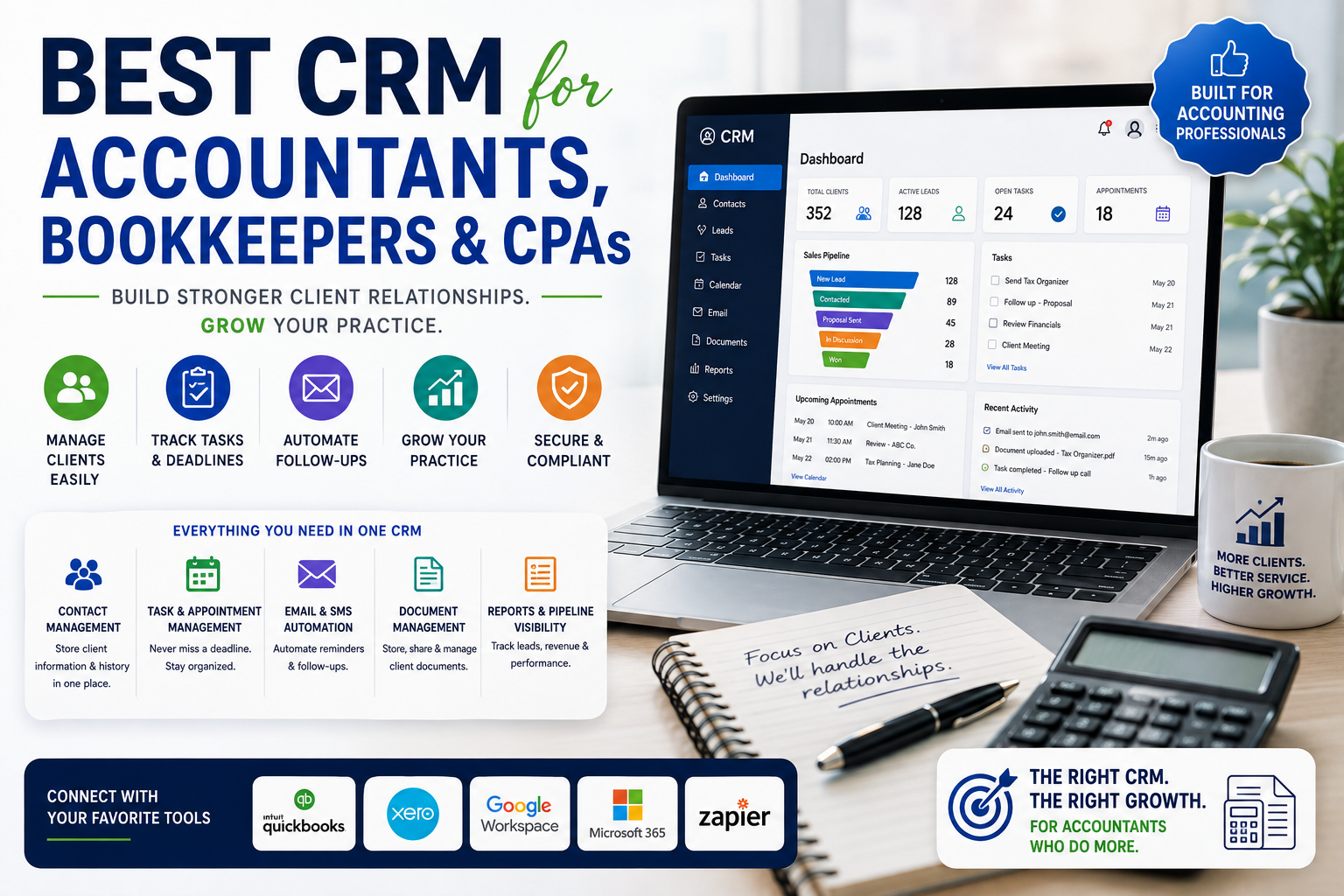
Best CRM for Accountants, Bookkeepers & CPAs
Accounting firms have a client relationship pattern that’s fundamentally different from most sales-driven businesses: engagements are often recurring (monthly bookkeeping, annual tax prep), require tight deadline tracking tied to regulatory dates, and involve sensitive financial data that needs careful access control. A generic sales CRM can technically be forced to work, but purpose-built or accounting-aware CRMs tend to save significant admin time once a practice grows beyond a handful of clients.
This guide covers what accounting firms actually need from a CRM, compares the leading options, and outlines how to choose based on firm size and service mix.
Why Accountants Need CRM Features Beyond Standard Sales Tools
Deadline and Compliance Tracking
Tax filing deadlines, quarterly estimated payment dates, and regulatory reporting deadlines are non-negotiable and client-specific. A CRM that can’t tie tasks to hard compliance dates — with automated reminders well in advance — creates real risk of missed deadlines.
Recurring Engagement Management
Unlike a one-time sale, most accounting relationships are ongoing: monthly bookkeeping retainers, quarterly reviews, annual tax engagements. The CRM needs to model recurring work cleanly, not just a single “closed-won” deal.
Document and Data Security
Client financial data (tax IDs, bank statements, payroll information) requires stronger access controls and audit trails than a typical sales pipeline, given both regulatory obligations and client trust expectations.
Integration With Accounting Software
A CRM that doesn’t integrate with the firm’s practice management or accounting software (QuickBooks, Xero, or similar) creates duplicate data entry — client information has to be maintained in two systems instead of one.
Client Portal Capability
Increasingly, clients expect a secure portal for document exchange, e-signature on engagement letters, and status visibility into ongoing work — a feature set that’s become close to standard expectation in the accounting CRM category.
Best CRM Options for Accounting Firms
Karbon
Karbon is built specifically for accounting firms, combining CRM, workflow management, and team collaboration into a single platform designed around the actual structure of accounting work — recurring engagements, deadline-driven task management, and email integration that ties client correspondence directly to work items. It’s one of the most purpose-built options in this category, though it comes at a premium price point compared to general-purpose CRMs.
Financial Cents
Financial Cents focuses on practice management and client workflow for small to mid-sized accounting and bookkeeping firms, with strong deadline tracking, client onboarding checklists, and time tracking built in. It’s generally positioned as more accessible for smaller firms than Karbon, both in pricing and interface simplicity.
Jetpack Workflow
Jetpack Workflow emphasizes recurring workflow templates — pre-built checklists for common engagement types (monthly bookkeeping, tax prep, payroll) that can be assigned and tracked across the client base, which is particularly useful for firms standardizing their service delivery process across many similar clients.
TaxDome
TaxDome combines CRM, client portal, document management, and e-signature into a single platform aimed specifically at tax and accounting practices, with a strong focus on the client-facing communication and document exchange side of the relationship, in addition to internal workflow tracking.
Salesforce Financial Services Cloud
For larger accounting and financial advisory firms with more complex organizational needs, Salesforce’s Financial Services Cloud offers deep customization and integration capability, at the cost of significantly higher implementation complexity and price compared to purpose-built accounting practice tools.
HubSpot (General-Purpose Option)
For firms that primarily need strong marketing and lead-tracking capability — accounting firms actively growing their client base through content marketing and lead nurturing — HubSpot’s CRM and marketing tools, paired with a separate practice management tool, can be a reasonable combination, even though HubSpot isn’t accounting-specific.
CRM for Bookkeepers vs. CRM for CPAs: Any Real Difference?
The core CRM needs — client management, recurring task tracking, deadline reminders — are largely the same across bookkeeping and CPA practices. The differences tend to show up in:
- Complexity of engagements — CPA firms handling tax planning, audits, or advisory services often need more flexible custom fields and workflow stages than a bookkeeping-focused practice with more standardized monthly engagements
- Regulatory tracking depth — CPA firms may need more granular tracking of filing types, extensions, and multi-jurisdiction compliance than a bookkeeping practice
- Team structure — larger CPA firms with partners, managers, and staff levels often need more sophisticated role-based permissions than a smaller bookkeeping team
In practice, most of the purpose-built tools listed above (Karbon, Financial Cents, TaxDome) serve both bookkeeping and CPA firms reasonably well, with configuration differences rather than fundamentally different product tiers.
Key Features to Prioritize by Firm Size
Solo Practitioners and Very Small Firms (1-3 people)
Prioritize simplicity and low cost over deep customization. Financial Cents or Jetpack Workflow’s lower tiers are often a good fit — enough structure to stay organized without the overhead of a complex platform.
Growing Firms (4-15 people)
This is where recurring workflow templates and team task assignment become genuinely important, since informal tracking (shared spreadsheets, email threads) starts breaking down at this size. Karbon or TaxDome’s mid-tier plans are commonly adopted at this stage.
Larger Firms and Multi-Office Practices
Larger firms often need the deeper customization, reporting, and integration capability of a platform like Salesforce Financial Services Cloud, or a heavily configured instance of Karbon, particularly if they have distinct service lines (tax, audit, advisory) that need separate workflow tracking.
Integration Considerations
Before committing to any CRM, confirm integration compatibility with:
- Accounting/practice software — QuickBooks Online, Xero, or your firm’s core accounting platform
- Document management — if you use a separate document storage system, confirm sync capability rather than maintaining files in two places
- E-signature — for engagement letters and tax document signing, either through the CRM’s built-in e-signature (TaxDome, for example) or integration with DocuSign/Adobe Sign
- Email — Outlook or Gmail integration that logs client correspondence automatically, rather than requiring manual entry
Common Mistakes When Choosing an Accounting CRM
- Choosing a generic sales CRM without accounting-specific workflow support, then spending significant time building custom workarounds for recurring engagement tracking
- Underestimating client portal importance — client expectations for secure, self-service document exchange have risen significantly, and a CRM without this capability may require a separate portal tool
- Ignoring team adoption friction — accounting staff are often not naturally inclined toward new software adoption; choosing based on ease of onboarding matters as much as feature completeness
- Not confirming data security certifications — given the sensitivity of client financial data, confirming SOC 2 compliance or equivalent security certification should be a standard part of vendor evaluation
Frequently Asked Questions
What is the best CRM for a small accounting firm? Financial Cents and Jetpack Workflow are commonly recommended for small firms due to their accessible pricing and straightforward setup, while still offering deadline tracking and recurring workflow templates that generic CRMs lack.
Do accounting firms need a CRM different from a sales CRM? Not strictly required, but purpose-built accounting CRMs handle recurring engagements, compliance deadlines, and client document exchange far more naturally than a generic sales pipeline tool, which typically requires significant customization to model accounting-specific workflows correctly.
Does Karbon integrate with QuickBooks? Yes, Karbon offers integration with QuickBooks Online, along with other common accounting and practice tools, allowing client and engagement data to sync rather than requiring duplicate entry.
What’s the difference between a CRM and practice management software for accountants? The line has blurred significantly — most accounting-specific “CRM” tools today (Karbon, TaxDome, Financial Cents) combine client relationship tracking with practice management functionality like workflow, time tracking, and task assignment in a single platform, rather than being purely contact-management tools.
Is TaxDome good for bookkeeping firms, or just tax preparers? TaxDome is used by both bookkeeping and tax-focused firms, given its combination of client portal, document management, and workflow tracking that applies broadly across accounting service types, not exclusively tax preparation.
How much does an accounting-specific CRM typically cost? Pricing varies by platform and firm size, generally structured as a per-user monthly fee, with purpose-built platforms like Karbon positioned at a premium relative to more budget-focused options like Financial Cents or Jetpack Workflow. Exact current pricing should be confirmed directly with each vendor, since tiers and rates are updated periodically.