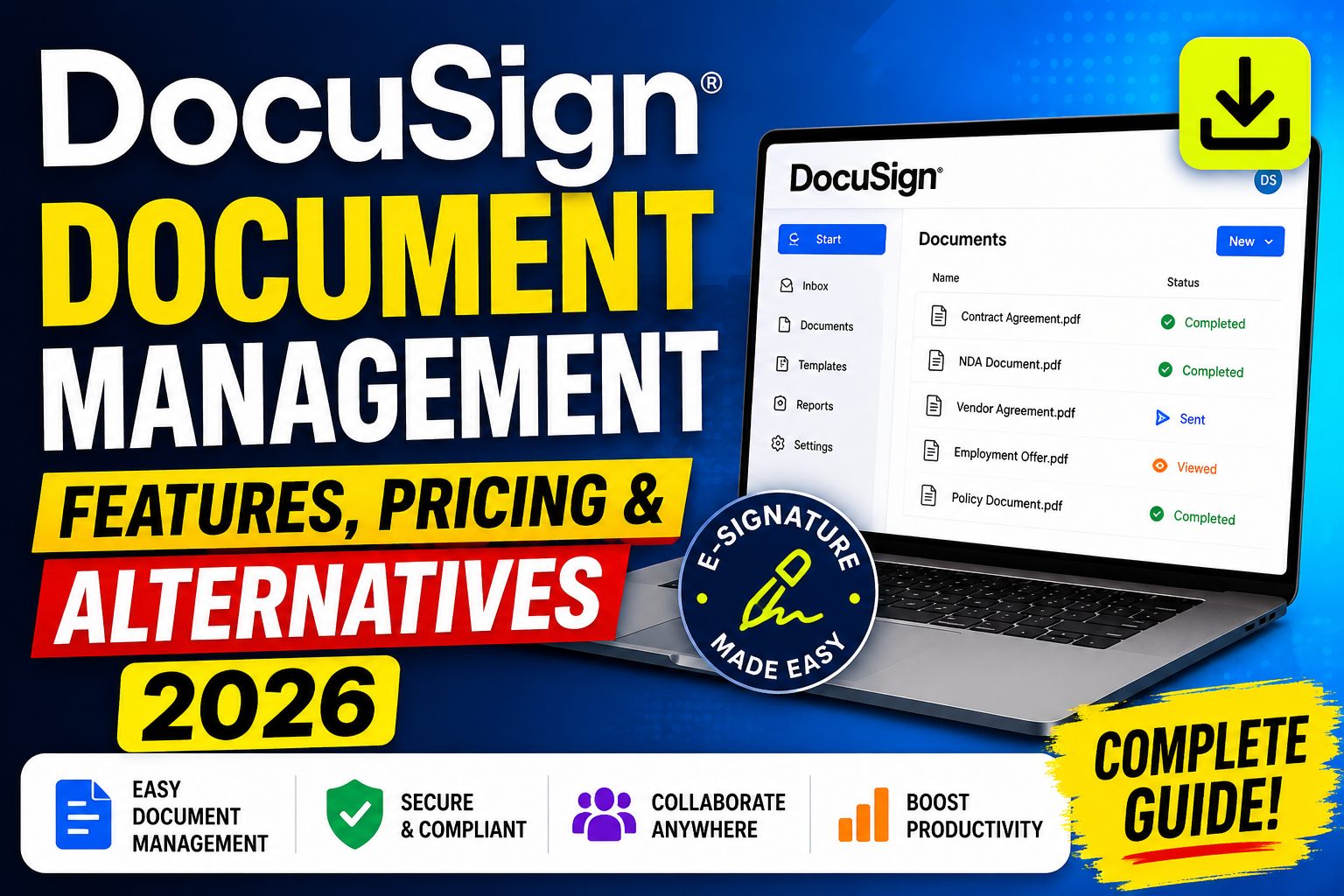
DocuSign is the world’s leading e-signature and document management platform, trusted by over a million companies in more than 180 countries to streamline the creation, signing, and management of agreements. As businesses increasingly depend on digital workflows to close deals, onboard customers, manage contracts, and maintain compliance, DocuSign’s document management capabilities have expanded well beyond simple e-signature to encompass a comprehensive contract lifecycle management (CLM) platform.
This guide provides a complete overview of DocuSign’s document management features and pricing for 2026, covers the integration ecosystem that makes it a powerful component of modern business workflows, and reviews the best DocuSign alternatives for organisations evaluating the complete e-signature and document management market.
DocuSign Core Document Management Features
DocuSign’s document management capabilities cover the complete agreement lifecycle. E-signature: The foundation of DocuSign — legally binding electronic signatures that comply with eIDAS (Europe), ESIGN and UETA (US), and equivalent legislation in 180+ countries. Signatures can be collected from any device, in any order, with automated reminders for incomplete signatures. Templates: Reusable document templates that pre-populate fields, define signing order, and reduce document preparation time from hours to minutes for frequently used agreement types.
DocuSign CLM (Contract Lifecycle Management): Enterprise document management from contract creation through negotiation, execution, and post-execution management. Includes clause libraries, contract workflow automation, obligation tracking, and renewal reminders. Envelope management: The DocuSign term for a document package sent for signature — each envelope can contain multiple documents with multiple recipients in configurable signing sequences. PowerForms: Self-service document portals where recipients initiate and complete their own signing process without a sender manually creating each envelope — ideal for standard agreements with high volume.
Document Storage and Search
DocuSign stores completed agreements in a searchable cloud archive with configurable retention policies. Completed envelopes include the signed documents, certificate of completion (with full audit trail: timestamp of each action, IP address, geolocation), and evidence summary. The document archive is searchable by sender, recipient, status, date range, and custom metadata fields. API access to stored documents enables integration with document management systems, enterprise content management platforms, and data warehouses for downstream processing.
DocuSign Pricing Plans
DocuSign offers tiered pricing for individual users and business teams. Personal ($10/month): 5 envelopes per month, basic e-signature, mobile app. Suitable for individuals with low signing volume. Standard ($25/user/month): Unlimited envelopes, shared templates, real-time audit trails, integrations with Salesforce and other major platforms. Suitable for small business teams. Business Pro ($40/user/month): All Standard features plus advanced fields, bulk send, signer attachments, and payment collection. Suitable for businesses with complex agreement workflows. Enhanced Plans: Custom enterprise pricing for DocuSign CLM and Insight products — typically $50,000-500,000+/year for enterprise contracts management.
Important pricing considerations: DocuSign counts ‘envelopes’ rather than individual signatures — sending one agreement to three people for signature counts as one envelope with three signature requests. Overage charges apply for envelopes exceeding plan limits. Annual billing saves approximately 20% compared to monthly. For high-volume senders, DocuSign’s API pricing ($0.35-$0.50 per envelope for programmatic sending) may be more cost-effective than per-user seat plans.
DocuSign Integrations
DocuSign’s integration ecosystem spans over 400 pre-built connectors covering every major business platform. CRM integrations: Native Salesforce integration (the most widely used) enables sending DocuSign envelopes directly from Salesforce opportunity records with automatic status updates when signatures are completed. HubSpot, Microsoft Dynamics 365, and Zoho CRM integrations provide similar capabilities for their respective ecosystems. Document creation: Google Docs, Microsoft Word, and SharePoint integrations allow documents to be sent directly to DocuSign for signature without downloading and uploading.
Workflow automation: Zapier and Make (formerly Integromat) connections enable DocuSign events (envelope sent, completed, declined) to trigger actions in hundreds of other applications. Power Automate integration for Microsoft 365 users. Storage and content management: Dropbox, Box, and Google Drive integrations for document import and completed document storage. Developer API: DocuSign’s eSignature REST API enables complete programmatic control — building e-signature into applications, automating high-volume sending, and creating custom workflows. Comprehensive SDKs for Python, Java, JavaScript, C#, and PHP.
Best DocuSign Alternatives
Several strong alternatives to DocuSign offer comparable e-signature capabilities at different price points. Adobe Sign (Acrobat Sign): The closest feature-equivalent alternative, with particularly strong PDF handling (Adobe’s native strength) and deep integration with Adobe Creative Cloud and Microsoft 365. Pricing starts at $14.99/user/month. HelloSign (Dropbox Sign): User-friendly platform with clean UI, competitive pricing from $15/user/month, and strong Dropbox integration. Good for SMBs seeking simplicity. PandaDoc: Combines e-signature with document creation, quoting, and proposal management in a single platform — excellent for sales teams that need to create and sign agreements in the same workflow. Pricing from $19/user/month.
SignNow: Strong value option with competitive per-user pricing from $8/user/month and solid feature coverage. Popular with cost-sensitive SMBs. Documenso: Open-source DocuSign alternative — ideal for organisations wanting self-hosted e-signature with complete data ownership. Zoho Sign: Strong value within the Zoho ecosystem at $10-20/user/month — excellent for businesses already using other Zoho products. Custom e-signature solutions: For organisations with specific security requirements, proprietary document formats, or unique workflow requirements,
custom e-signature development using open standards provides maximum control over the signing experience and data handling.
Frequently Asked Questions
Is DocuSign legally binding?
Yes — DocuSign electronic signatures are legally binding under the US ESIGN Act and UETA, the EU’s eIDAS regulation, and equivalent legislation in 180+ countries. Completed DocuSign envelopes include a Certificate of Completion containing a full audit trail (timestamp, IP address, geolocation of each action) that serves as legal evidence of the signing process. For industries requiring Advanced or Qualified Electronic Signatures (banking, government),
DocuSign offers identity verification-backed signature levels that meet these higher standards.
What is the difference between DocuSign and DocuSign CLM?
Standard DocuSign is primarily an e-signature platform for sending and collecting signatures on agreements. DocuSign CLM (Contract Lifecycle Management) is a comprehensive contract management platform covering the complete agreement lifecycle — authoring, negotiation, approval workflows,
execution (via DocuSign e-signature), post-execution obligation management, renewal tracking, and analytics. CLM is an enterprise product typically used by legal, procurement,
and sales operations teams managing high volumes of complex contracts.
How secure is DocuSign?
DocuSign maintains extensive security certifications including ISO 27001, SOC 1 and SOC 2 Type 2, FedRAMP (for US government use), HIPAA compliance for healthcare, and PCI DSS for payment processing. Data is encrypted in transit (TLS) and at rest (AES-256). DocuSign’s infrastructure is geographically distributed for resilience and uptime. For sensitive documents requiring additional security,
DocuSign offers options including document watermarking, access code requirements, knowledge-based authentication, and ID verification for signers.
What are the best free alternatives to DocuSign?
Free e-signature alternatives include: Documenso (open source, self-hosted), Smallpdf Sign (free for basic use), and PDF signing through Adobe Acrobat Reader (limited functionality). Most commercial alternatives offer free trials (14-30 days) but limited ongoing free tiers. DocuSign’s own free trial allows 3 envelopes before requiring a paid plan. For low-volume use cases (fewer than 5 documents per month),
most personal plan pricing ($8-15/month) is accessible enough that free alternatives add limited value.
Conclusion
DocuSign document management provides a comprehensive platform for the complete agreement lifecycle — from template creation and routing through e-signature collection, document storage,
and obligation management. By understanding DocuSign’s pricing model, leveraging its integration ecosystem, and evaluating alternatives against your specific volume and workflow requirements,
you can select the right e-signature and document management solution for your organisation.
Related Articles
Ready to grow your business with the right technology? Explore VBWebSol’s Web Development Services or contact our expert team for a free consultation. With over 12 years of IT expertise in Ahmedabad,
we help businesses across India and globally implement solutions that deliver real, measurable results.