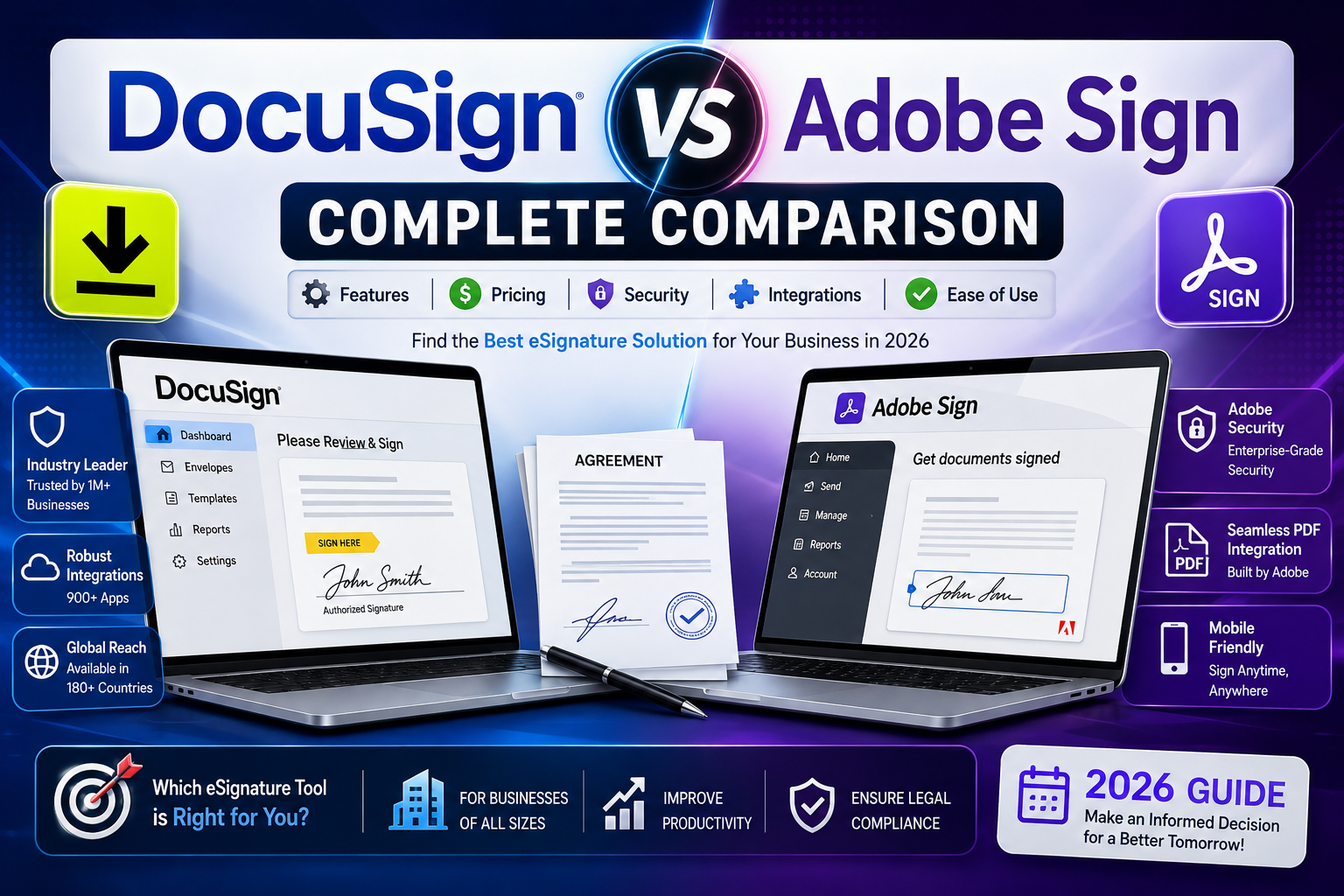
DocuSign vs Adobe Sign: Complete Comparison
Electronic signature software has become essential infrastructure for nearly every business function — sales contracts, HR onboarding, vendor agreements, and client intake all move faster with a reliable e-signature workflow. DocuSign and Adobe Sign (now often referred to as Acrobat Sign) are the two dominant platforms in this space, and the choice between them usually comes down to existing software ecosystem, integration needs, and pricing structure rather than any single dramatic feature gap.
This guide compares both platforms across pricing, features, integrations, and use case fit to help you choose the right one.
Quick Overview
DocuSign is the category-defining e-signature platform, known for its broad third-party integration ecosystem, dedicated developer API, and strong brand recognition — many recipients are already familiar with the DocuSign signing experience, which can reduce friction for external-facing documents like sales contracts.
Adobe Sign (Acrobat Sign) is Adobe’s e-signature product, tightly integrated with the broader Adobe Document Cloud and Creative Cloud ecosystem. For businesses already using Adobe Acrobat for PDF editing, Adobe Sign offers a more seamless workflow between document creation, editing, and signing within the same platform.
Pricing Comparison
DocuSign Pricing Tiers
DocuSign’s pricing is structured around several tiers, generally scaling from a personal/individual plan up through standard, business pro, and enterprise tiers. Lower tiers typically cap the number of “envelopes” (documents sent for signature) per month, while higher tiers unlock advanced features like bulk sending, custom branding, advanced authentication, and API access. Enterprise-level pricing is typically custom-quoted based on volume and required features.
Adobe Sign Pricing Tiers
Adobe Sign pricing is generally structured around individual, small business/team, and enterprise/business tiers, and is often bundled with Acrobat Pro DC as part of Adobe’s broader Document Cloud subscriptions.
This bundling can make Adobe Sign more cost-effective for organizations that already need Acrobat Pro for PDF editing, since you’re effectively getting e-signature functionality included with a tool you’d likely purchase anyway.
Which Is Cheaper?
For standalone e-signature needs with no existing Adobe subscription, DocuSign and Adobe Sign are often comparably priced at similar tiers. The cost calculus shifts significantly if your organization already pays for Acrobat Pro — in that case, Adobe Sign’s bundled pricing can make it the more cost-effective choice, since you avoid paying for a separate signature tool.
Feature Comparison
Document Preparation
Both platforms offer drag-and-drop field placement, reusable templates, and support for multiple signers with defined signing order. Adobe Sign has an edge for users who need to edit the underlying PDF content itself before sending, given its native integration with Acrobat’s full PDF editing suite.
Mobile Experience
Both platforms offer mobile apps for signing and sending documents on the go, with broadly comparable functionality. DocuSign’s mobile app is generally considered slightly more polished for the signer-side experience, given its long history optimizing for high-volume consumer-facing signing flows.
Authentication and Security
Both platforms support advanced signer authentication methods (SMS verification, knowledge-based authentication, ID verification) at higher pricing tiers, along with audit trails and tamper-evident sealing that meet standard e-signature legal requirements (ESIGN Act, eIDAS in the EU, and similar frameworks in other jurisdictions).
Integrations
DocuSign generally has the broader third-party integration ecosystem, with pre-built connectors for Salesforce, Microsoft 365, Google Workspace, and hundreds of other business tools through its App Center, plus a well-documented developer API for custom integrations. Adobe Sign integrates deeply with Adobe’s own ecosystem (Acrobat, Creative Cloud, Experience Cloud) and also offers Salesforce and Microsoft integrations, though its broader third-party App Center is generally considered smaller than DocuSign’s.
Bulk Sending and Automation
Both platforms support bulk sending (sending the same document to a large list of recipients individually) and workflow automation at their higher tiers, useful for HR onboarding, mass contract renewals, or similar high-volume use cases.
Branding and White-Labeling
Custom branding — logo, colors, and signing page customization — is available on business/enterprise tiers for both platforms, letting you present a consistent brand experience to external signers rather than a generic signing page.
Use Case Recommendations
Choose DocuSign If:
- You need the broadest possible third-party integration support, especially with Salesforce or a wide range of niche business tools
- Signer familiarity matters for your use case (e.g., high-volume consumer contracts where recipients are more likely to recognize and trust the DocuSign signing flow)
- You need a mature, well-documented developer API for building custom signing workflows into your own product
Choose Adobe Sign If:
- Your organization already uses Acrobat Pro DC for PDF creation and editing
- You want tighter integration between document editing and signing in a single workflow
- You’re already invested in the broader Adobe Document Cloud or Creative Cloud ecosystem
Legal Validity: Is There a Difference?
Both DocuSign and Adobe Sign signatures are legally binding in the United States under the ESIGN Act and UETA, and in the EU under eIDAS regulations, along with equivalent frameworks in most other jurisdictions. Neither platform has a meaningful legal validity advantage over the other for standard business use cases — the audit trail, tamper-evident sealing, and consent language both platforms generate meet the same underlying legal standards. For use cases requiring qualified electronic signatures under stricter regulatory frameworks (common in parts of the EU for specific document types), both platforms offer add-on services to meet those higher requirements, and it’s worth confirming specific compliance needs with each vendor directly.
Migration Considerations
Switching between the two platforms is a realistic option if your needs change, though it’s not entirely frictionless:
- Template rebuilding — existing templates generally need to be recreated in the new platform, since templates aren’t portable between DocuSign and Adobe Sign
- Integration reconfiguration — any CRM or document management integrations will need to be reconnected to the new platform
- User retraining — while both platforms have broadly similar signing experiences, internal users who prepare and send documents will need some retraining on the new interface
- Historical document access — completed, signed documents typically remain accessible in the original platform for audit and compliance purposes even after switching, so a full “migration” of historical records usually isn’t necessary
Frequently Asked Questions
Is Adobe Sign the same as DocuSign? No, they’re separate, competing products from different companies. Adobe Sign (Acrobat Sign) is Adobe’s e-signature product, while DocuSign is an independent company focused specifically on e-signature and agreement management.
Which is more affordable, Adobe Sign or DocuSign? It depends on your existing software stack. If you already pay for Acrobat Pro DC, Adobe Sign’s bundled pricing is often more cost-effective. For standalone e-signature needs with no existing Adobe subscription, pricing between the two platforms is generally comparable at similar feature tiers.
Can I switch from DocuSign to Adobe Sign without losing signed documents? Yes. Previously completed documents remain accessible within your original DocuSign account for audit and compliance purposes even after you stop using the platform, so switching doesn’t require migrating historical signed records — only active templates and workflows need to be rebuilt in the new platform.
Which platform has better Salesforce integration? Both platforms offer native Salesforce integrations, but DocuSign’s Salesforce integration is generally considered more mature and widely adopted, given DocuSign’s longer history and larger footprint specifically within Salesforce-centric sales organizations.
Are DocuSign and Adobe Sign signatures legally binding? Yes, both meet the legal requirements for electronic signatures under the U.S. ESIGN Act and UETA, EU eIDAS regulations, and equivalent laws in most other jurisdictions, for standard business agreements.
Which is better for small businesses? For small businesses without an existing Adobe subscription, DocuSign’s broader integration ecosystem and market familiarity often make it the simpler default choice.
Small businesses already using Acrobat Pro for PDF work may find Adobe Sign’s bundled pricing a more economical path to the same core functionality.