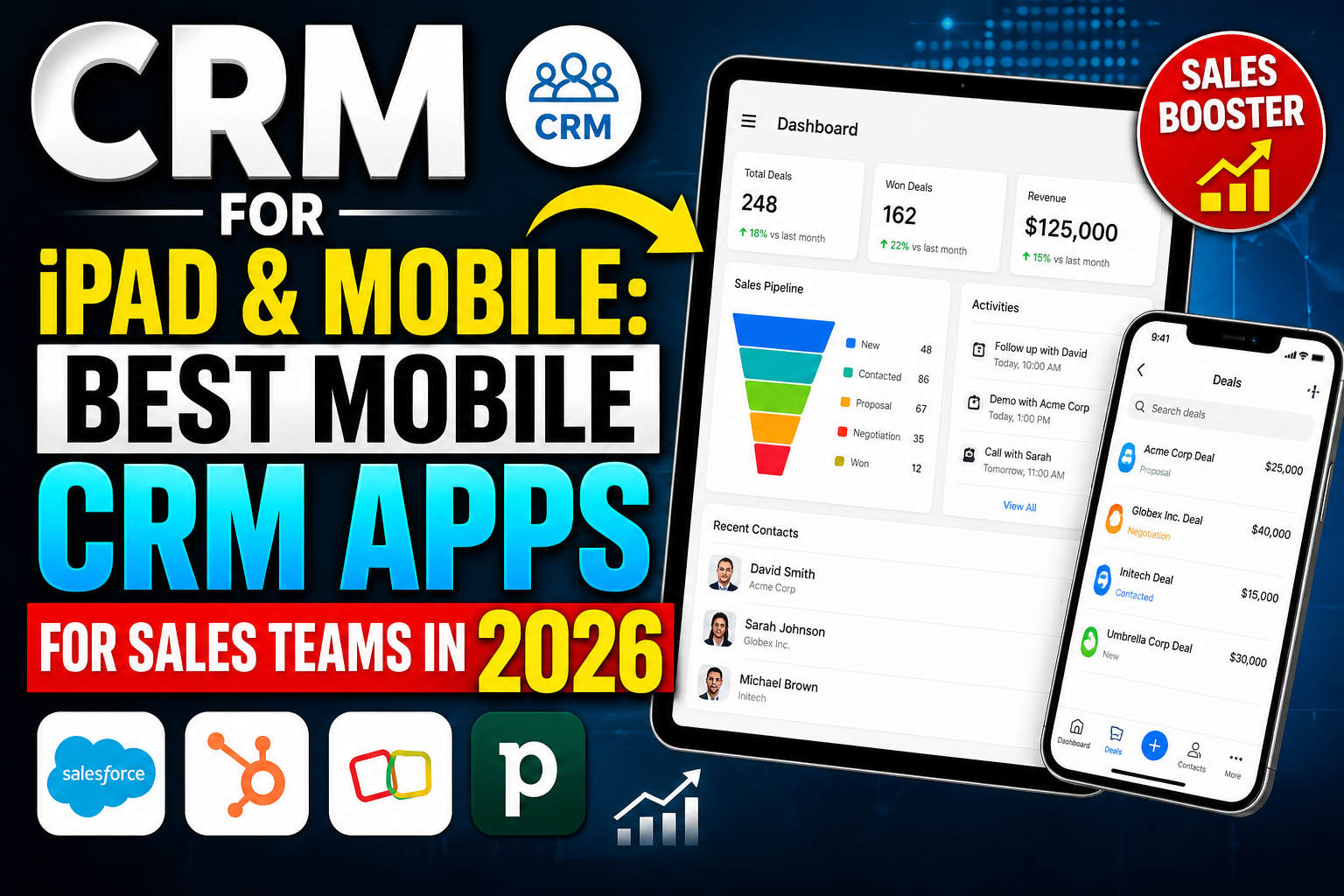
Field sales reps, real estate agents, contractors, and any professional who manages customer relationships away from a desk need a CRM that performs flawlessly on iPad and mobile devices. The best CRM for iPad and mobile combines a native, touch-optimized interface with the full power of the CRM platform—pipeline management, contact access, activity logging, and communication—all available on the go, even offline.
What Makes a Great Mobile CRM?
- Native app (not just mobile web): True iOS/Android apps with native UI components perform significantly better than web apps on mobile
- Offline access: Critical for field reps without reliable cell coverage—access and update records offline, sync when connected
- Business card scanning: OCR contact creation from physical business cards without manual typing
- Voice notes and dictation: Log call notes by voice after meetings without typing
- Location features: Map nearby customers, log visit check-ins, and plan routes between client locations
- Touch-optimized pipeline: Drag-and-drop deal stage management that actually works on a touchscreen
Best CRM for iPad and Mobile in 2026
Salesforce Mobile — Best Enterprise Mobile CRM
Salesforce’s mobile app provides full CRM access including contact, account, and opportunity management, dashboards, Einstein AI insights, and approval workflows. Highly customizable to match your Salesforce configuration. Available on iOS and Android. The iPad experience is excellent with a tablet-optimized layout.
HubSpot Mobile — Best Free Mobile CRM
HubSpot’s iOS and Android apps provide free mobile access to contacts, deals, tasks, and email. Business card scanner, voice note dictation, and call logging work well on both iPhone and iPad. Free for all HubSpot CRM users.
Pipedrive Mobile — Best for Visual Pipeline on Mobile
Pipedrive’s mobile app delivers its signature visual pipeline with deal cards in a touch-friendly format. Call integration, activity scheduling, and contact management work smoothly. Strong iPad layout with sidebar navigation. Available on iOS and Android.
Zoho CRM Mobile
Zoho CRM’s mobile app includes contact management, deal pipeline, call logging, location check-in, and business card scanning. The iPad app takes advantage of larger screen space with split-view layouts. Available free for all Zoho CRM users.
Copper Mobile — Best for Google Workspace Users on Mobile
Copper’s iOS and Android apps provide full CRM access optimized for Google Workspace users. Email logging, contact management, and pipeline updates work seamlessly alongside Gmail on iPad.
Nutshell Mobile
Nutshell’s mobile app provides strong contact management, timeline activity logging, pipeline tracking, and map view for visualizing nearby customers. Popular with field sales teams for its clean, usable interface on both iPhone and iPad.
CRM for iPad: Key Considerations
iPad-specific features: Look for apps that take advantage of iPad’s larger screen—split-view layouts, Siri Shortcuts integration, Apple Pencil support for signature capture, and keyboard shortcuts for power users.
Apple Continuity: The best iPad CRM apps support Handoff—start reviewing a contact on iPhone and seamlessly continue on iPad or Mac.
iOS integration: Native integration with iOS Contacts, Calendar, and Reminders makes CRM data accessible across Apple’s native apps.
FAQ
What is the best CRM for iPad?
Salesforce Mobile offers the most comprehensive iPad CRM experience for enterprise users. HubSpot’s free CRM app provides excellent iPad functionality at no cost. Pipedrive delivers the best visual pipeline experience on iPad touchscreens. Copper is ideal for Google Workspace users on iPad.
What is the best mobile CRM for sales?
The best mobile CRM for sales depends on your team’s workflow. HubSpot leads for free mobile CRM. Salesforce leads for enterprise mobile with AI insights. Pipedrive leads for visual pipeline management on mobile. Copper leads for Google-first teams. Nutshell leads for field sales teams needing map-based customer location features.
Do CRM apps work offline on iPad?
Most major CRM apps offer some offline capability on iPad—typically allowing you to view recently accessed records and add notes, which sync when connectivity is restored. Salesforce Mobile and Pipedrive offer the most robust offline functionality. Always test offline performance for your specific use case before committing to a platform.
Is there a free CRM app for iPad?
Yes—HubSpot CRM, Zoho CRM, and Freshsales all offer free iOS apps with full iPad functionality. These apps provide contact management, deal pipeline, and activity logging at zero cost for the free plan tier.
Conclusion
The best CRM for iPad keeps your team productive wherever they work—whether in a client office, on a job site, or traveling between meetings. With native apps from HubSpot, Salesforce, Pipedrive, and Zoho all delivering strong iPad experiences, there’s no reason field sales teams should be without full CRM capabilities.