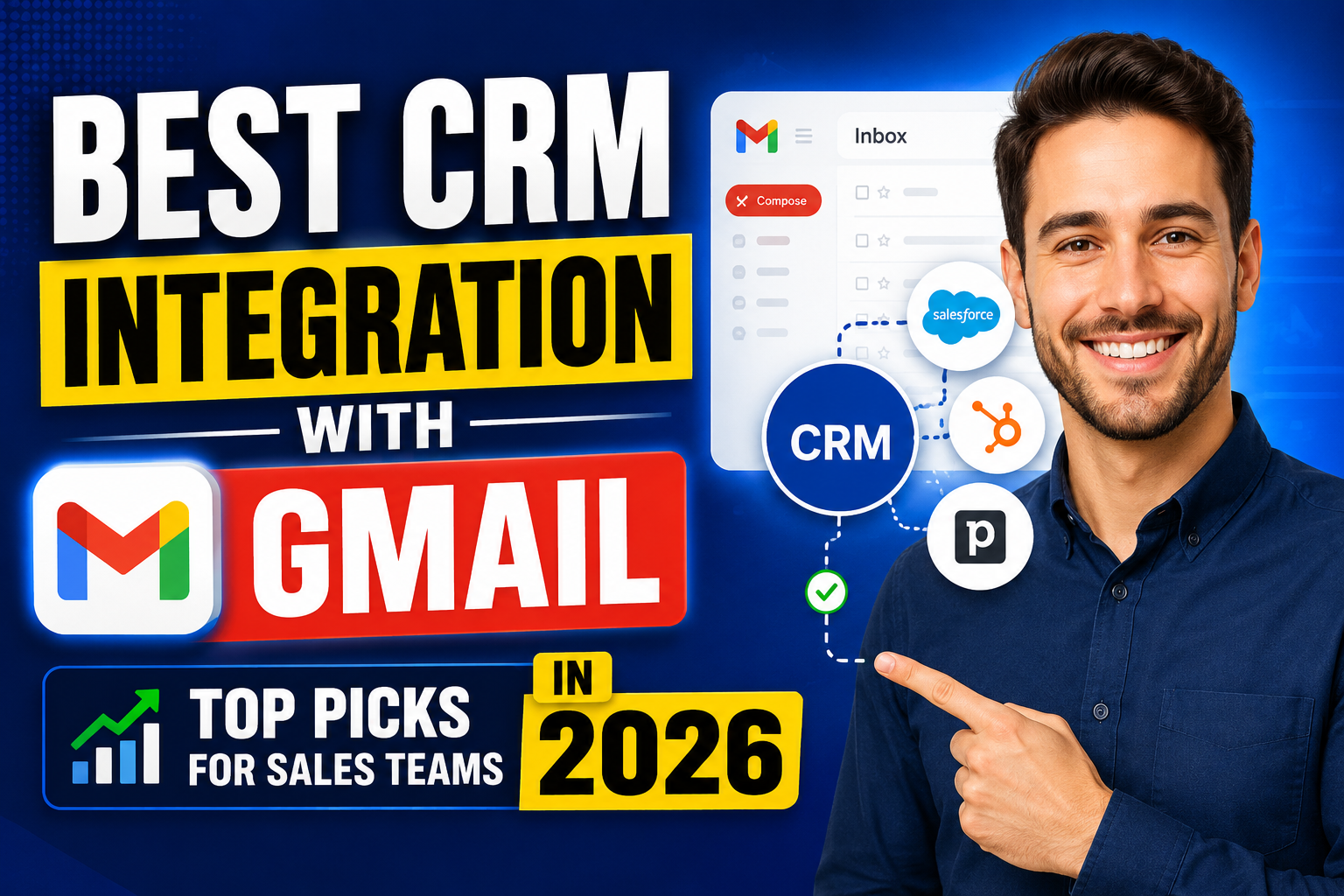
Choosing the best CRM integration with Gmail is one of the most impactful decisions a sales team can make. When your CRM lives inside your email inbox, reps spend less time switching between apps and more time actually selling. This guide ranks the top Gmail-integrated CRM solutions in 2026 based on integration depth, ease of use, and value.
What Makes a Great Gmail CRM Integration?
The best Gmail CRM integrations share five characteristics:
- Automatic two-way email logging — no manual copying of emails into the CRM
- Native Gmail sidebar — CRM data visible alongside email threads without app-switching
- Contact and deal actions from Gmail — create contacts, update deals, and log tasks without leaving the inbox
- Email tracking — open and click notifications logged in the CRM
- Google Calendar sync — meetings in Calendar appear as CRM activities automatically
Top CRM Integrations with Gmail in 2026
#1 Copper CRM — Deepest Gmail Integration
Copper is built exclusively for Google Workspace. It doesn’t require a Chrome extension—it’s natively embedded in Gmail as a sidebar panel. Auto-logs 100% of emails and calendar events. Creates contacts automatically from email signatures. Zero manual data entry for Google users. Best-in-class Gmail integration, period.
Price: From $9/user/month | Best for: Google-first businesses
#2 HubSpot CRM — Best Free Gmail Integration
HubSpot’s Gmail Chrome extension provides a powerful sidebar showing contact details, deal stage, recent activity, and tasks. Email logging, templates, sequences, and meeting scheduling all work from Gmail. The free plan includes full Gmail integration—a remarkable value.
Price: Free | Best for: Budget-conscious teams and fast-growing companies
#3 Streak — Most Gmail-Native CRM
Streak builds the entire CRM—pipelines, contact records, mail merge, and email tracking—inside Gmail. No separate application. Ideal for teams that never want to leave their inbox. Free plan for individuals; Business from $49/user/month.
Price: Free (solo); Business from $49/user/month | Best for: Email-centric sales workflows
#4 Pipedrive — Best Visual Pipeline + Gmail
Pipedrive’s Gmail integration auto-logs emails, shows deal and contact context in the inbox sidebar, and enables deal creation from email. Its visual pipeline is the best in class for deal management. Strong choice for sales teams that want both pipeline clarity and inbox integration.
Price: From $15/user/month | Best for: SMB sales teams
#5 Salesforce — Best Enterprise Gmail Integration
Salesforce for Gmail (via Chrome extension and Einstein Activity Capture) provides auto-logging, AI-powered relationship insights, and full CRM record access from Gmail. The enterprise standard for large teams already on Salesforce.
Price: From $25/user/month + add-ons | Best for: Enterprise sales organizations
Quick Comparison
| CRM | Gmail Sidebar | Auto Email Logging | Free Plan |
|---|---|---|---|
| Copper | Native (no extension) | Yes (100%) | No |
| HubSpot | Chrome extension | Yes | Yes |
| Streak | Built into Gmail | Yes | Yes (solo) |
| Pipedrive | Chrome extension | Yes | No |
| Salesforce | Chrome extension | Yes (Einstein) | No |
FAQ
What is the best CRM integration with Gmail?
Copper CRM offers the deepest Gmail integration as a purpose-built Google Workspace CRM. HubSpot is the best free Gmail CRM integration. Streak is the most inbox-native. The best choice depends on your budget, team size, and whether you want CRM inside Gmail or Gmail synced to a full CRM platform.
Does Gmail have a built-in CRM?
Gmail doesn’t have a built-in CRM, but Google Contacts provides basic contact management. Streak CRM and Copper essentially turn Gmail into a CRM environment. Google also integrated with many third-party CRM providers through its Google Workspace Marketplace.
Can I use a CRM with Gmail for free?
Yes—HubSpot CRM offers a completely free Gmail integration including sidebar access, email logging, and Calendar sync. Streak also has a free plan for individual users. Zoho CRM’s free tier (up to 3 users) includes Gmail connectivity.
How do I connect my CRM to Gmail?
Most CRM Gmail integrations use a Chrome extension. Install the extension from the Chrome Web Store, connect your CRM account, and authorize Gmail access via Google’s OAuth. The CRM sidebar will then appear inside Gmail automatically. More advanced integrations also require authorizing Google Calendar and Contacts access.
Conclusion
The best CRM integration with Gmail keeps your sales team in the inbox—where they already spend most of their day—while ensuring every customer interaction is captured, contextualized, and actionable. Whether you choose Copper’s native depth, HubSpot’s free power, or Streak’s inbox-native approach, the right Gmail CRM integration will meaningfully improve your team’s productivity.
Explore VBWebSol’s custom CRM solutions or contact us for expert guidance.