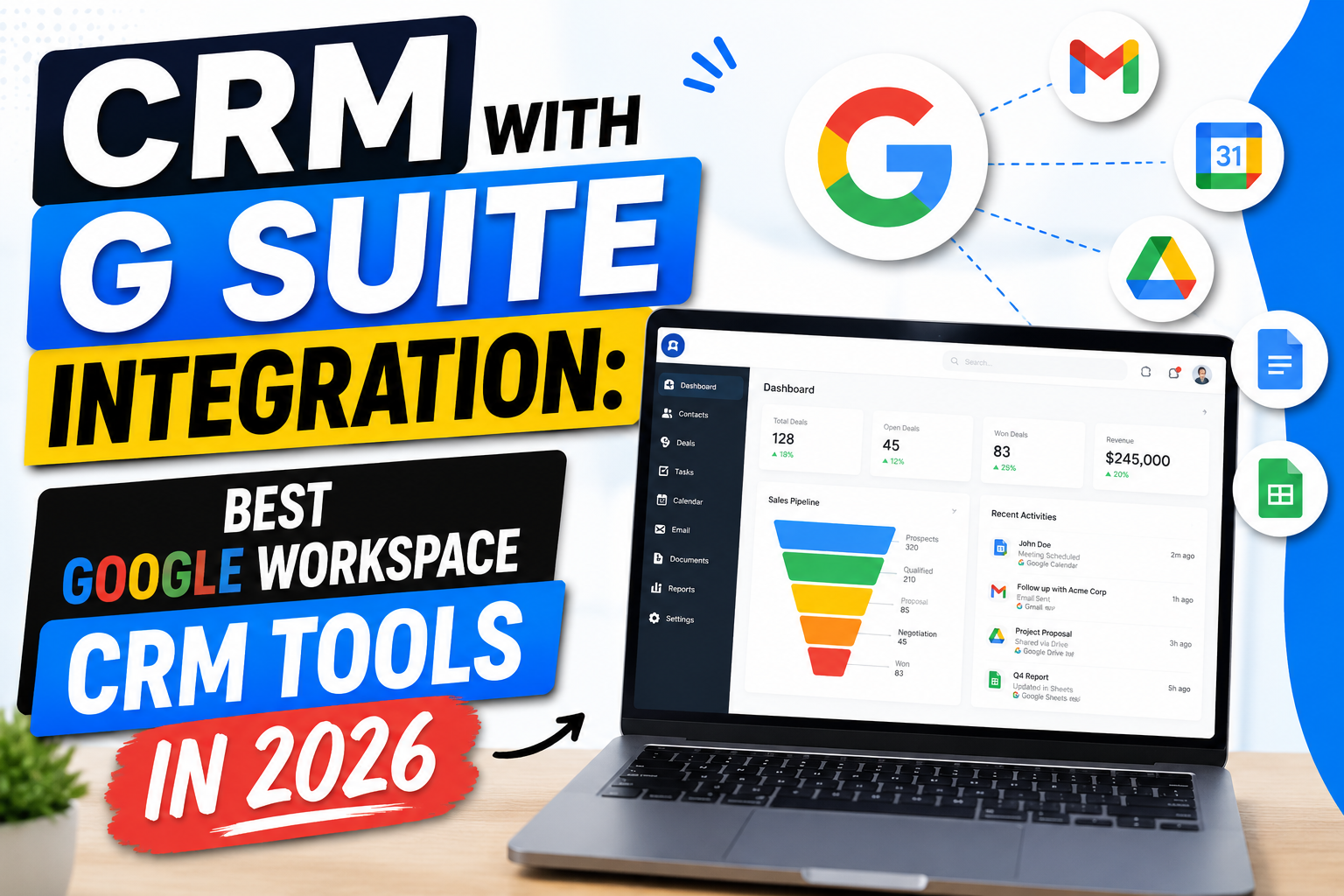
Google Workspace (formerly G Suite) is the productivity platform of choice for millions of businesses worldwide. When you add a CRM with G Suite integration, your team gains a seamlessly connected environment where Gmail, Google Calendar, Google Drive, and Google Contacts all work in harmony with your sales data—eliminating app-switching and manual data entry.
What Does CRM with G Suite Integration Include?
Gmail Sync
Emails are automatically logged against CRM contacts and deals. A CRM sidebar in Gmail shows the complete customer record alongside every email thread. Send templates and track opens without leaving Gmail.
Google Calendar Sync
Meetings scheduled in Google Calendar appear in the CRM timeline, and CRM-created events sync back to Calendar. Full bidirectional sync ensures scheduling and CRM activity records match perfectly.
Google Drive Integration
Attach proposals, contracts, and presentations from Google Drive directly to CRM deals. Share Drive files with clients from within the CRM interface.
Google Contacts Sync
New contacts in Google Contacts are automatically created in the CRM, and updates flow bidirectionally—preventing separate contact databases from falling out of sync.
Google Meet Integration
Automatically include Meet links when scheduling CRM activities. Meeting recordings and transcripts can be attached to contact records.
Best CRM Platforms with G Suite Integration
Copper CRM — Built for Google Workspace
Copper is Google’s recommended CRM partner, purpose-built for G Suite users. It operates natively inside Gmail with no external app required, auto-logs all emails and calendar events, and syncs contacts bidirectionally. Zero manual data entry.
HubSpot CRM
HubSpot’s G Suite integration via Chrome extension is free and comprehensive—Gmail sidebar, email tracking, Calendar sync, and Meet scheduling. The free CRM is an excellent starting point.
Pipedrive
Pipedrive connects with G Suite for email sync, Calendar integration, and contact management. Its visual pipeline is intuitive for sales-focused G Suite teams.
Zoho CRM
Zoho’s Google Workspace integration includes Gmail sync, Google Calendar, Google Contacts, Google Drive, and even Google Ads integration for end-to-end marketing attribution.
Streak
Streak is built entirely inside Gmail, treating it as the CRM interface. Pipelines, contact records, and email tracking all live within Google’s ecosystem.
Choosing Between Native and Extension-Based G Suite CRM
Native (like Copper and Streak): CRM lives inside Gmail. No switching between apps. Best for teams that prefer to manage everything from the inbox.
Extension-based (like HubSpot and Pipedrive): A Chrome extension adds CRM functionality alongside Gmail. Main CRM platform is separate. Best for teams that need a full CRM platform with Gmail connectivity as one of many features.
FAQ
What is the best CRM with G Suite integration?
Copper CRM offers the deepest G Suite integration—purpose-built for Google Workspace with auto-logging and zero manual data entry. HubSpot provides the best free G Suite integration. Streak is uniquely Gmail-native. Choice depends on whether you want CRM inside Gmail or Gmail-connected to a separate CRM platform.
Does G Suite CRM integration require a Chrome browser?
Most CRM G Suite integrations use Chrome extensions and work best in Chrome. Copper and Streak also work within the Gmail web app on any Chromium-based browser. Calendar and Contacts integrations typically work browser-independently through Google’s API.
Is CRM with G Suite free?
HubSpot CRM offers free G Suite integration including Gmail sidebar and Calendar sync. Copper and Streak offer free trials but require paid plans for full functionality. Zoho CRM’s free tier includes basic Google Workspace integration.
Can I use G Suite CRM on mobile?
Yes—most CRM platforms with G Suite integration offer mobile apps for iOS and Android with Gmail, Calendar, and Drive connectivity. Copper’s mobile app is particularly well-integrated with Google’s mobile ecosystem.
Conclusion
A CRM with G Suite integration gives Google Workspace teams the best of both worlds—powerful CRM capabilities embedded directly into the tools they use every day. Whether you want CRM inside Gmail or Gmail synced to a separate platform, there’s a perfect solution for every team.
Want a custom CRM built around Google Workspace? Explore VBWebSol’s CRM solutions or contact us.