Mailchimp offers four pricing tiers to suit businesses from solo creators to enterprise marketers. This Mailchimp plans comparison breaks down every tier’s features, pricing, and best use cases so you can choose the right plan for your business in 2026.
Mailchimp Plans Overview
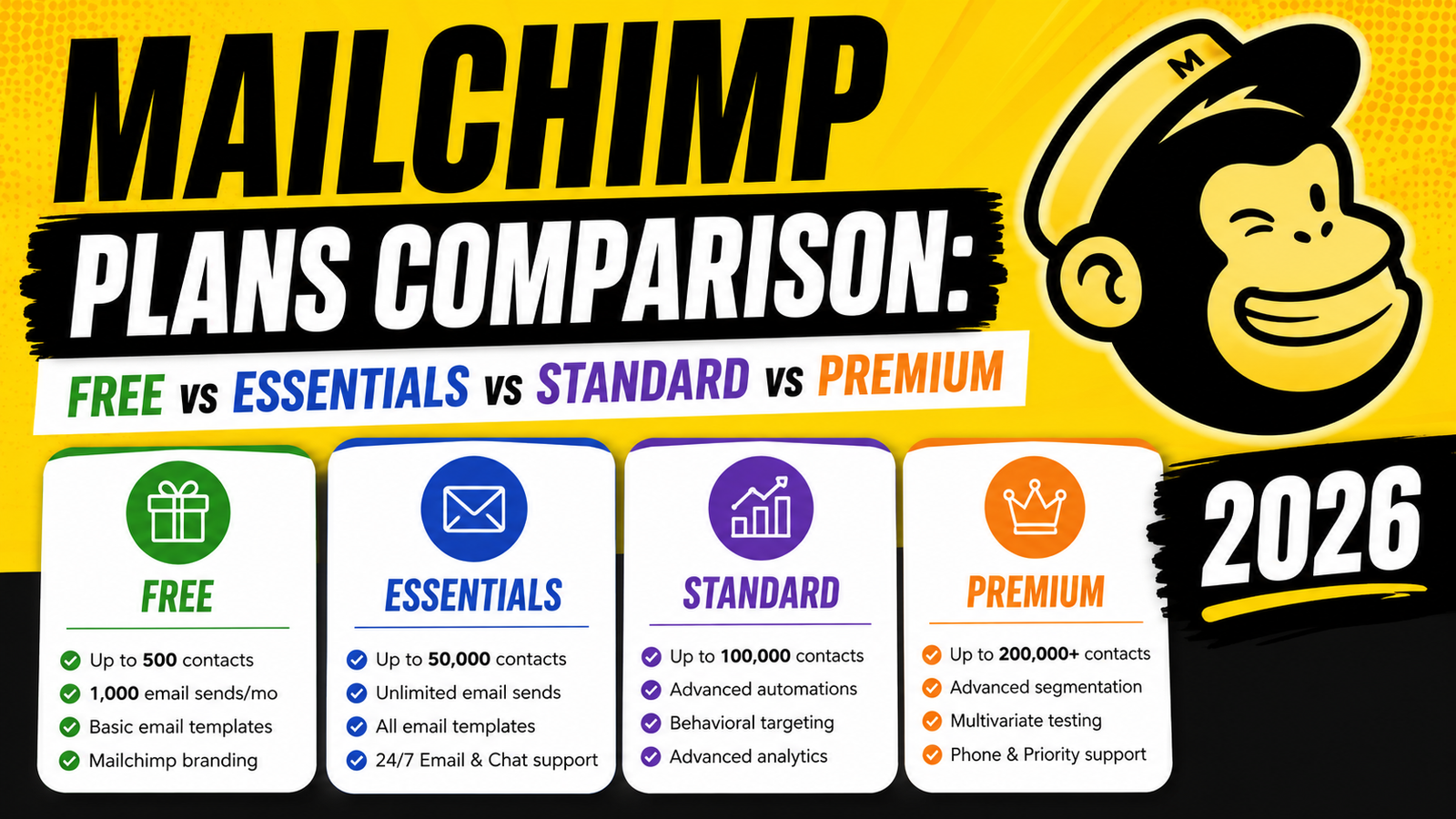
Free Plan
Price: $0/month
Contacts: Up to 500
Monthly email sends: 1,000 (daily limit: 500)
Users: 1
What’s included:
- Email campaign builder (drag-and-drop)
- Basic email templates
- Signup forms and landing pages (1 audience)
- Basic reporting and analytics
- Mailchimp branding on emails
- 1 automation (e.g., welcome email)
Best for: Individuals and very small businesses just getting started with email marketing
Essentials Plan
Price: From $13/month (500 contacts)
Contacts: 500–50,000+
Monthly email sends: 10x contact limit
Users: 3
What’s added over Free:
- All email templates (premium templates included)
- A/B testing
- 24/7 email and chat support
- 3 audiences
- Custom branding (remove Mailchimp logo)
- Schedule campaigns
Best for: Growing small businesses that need professional templates and basic A/B testing
Standard Plan
Price: From $20/month (500 contacts)
Contacts: 500–100,000+
Monthly email sends: 12x contact limit
Users: 5
What’s added over Essentials:
- Customer journey builder (advanced automation)
- 5 audiences
- Send time optimization
- Dynamic content blocks
- Retargeting ads (Google, Facebook)
- Enhanced reporting with comparative data
- Campaign manager
Best for: Businesses needing advanced automation, customer journey workflows, and dynamic content personalization
Premium Plan
Price: From $350/month (10,000 contacts)
Contacts: 10,000–200,000+
Monthly email sends: 15x contact limit
Users: Unlimited
What’s added over Standard:
- Unlimited audiences
- Advanced segmentation
- Multivariate testing
- Priority phone and chat support
- Unlimited seats and role-based permissions
- Custom-coded email templates
Best for: Large businesses with complex segmentation needs, unlimited users, and priority support requirements
Mailchimp Pricing by Contact List Size
| Contacts | Essentials | Standard | Premium |
|---|---|---|---|
| 500 | $13/mo | $20/mo | — |
| 2,500 | $30/mo | $45/mo | — |
| 5,000 | $55/mo | $75/mo | — |
| 10,000 | $100/mo | $135/mo | $350/mo |
| 50,000 | $270/mo | $350/mo | $— |
Prices approximate; check Mailchimp’s website for current rates
Which Mailchimp Plan Should You Choose?
- Free: Just starting out, list under 500, don’t need automation or A/B testing
- Essentials: Need professional templates, want to remove Mailchimp branding, basic email scheduling
- Standard: Want customer journey automation, send time optimization, and dynamic content
- Premium: Large team, advanced segmentation needs, require priority phone support and unlimited audiences
FAQ
What is the difference between Mailchimp Essentials and Standard?
Mailchimp Standard adds advanced automation with the Customer Journey Builder, send time optimization, dynamic content personalization, and retargeting ads over Essentials. It’s the right upgrade when you need more sophisticated automation beyond basic scheduled campaigns.
Is Mailchimp Standard worth it?
Yes—for most growing businesses, Mailchimp Standard is the sweet spot. The Customer Journey Builder and send time optimization alone typically generate enough additional revenue to justify the cost premium over Essentials.
Can I send unlimited emails on Mailchimp?
No—all Mailchimp plans have email send limits based on your contact count (10x for Essentials, 12x for Standard, 15x for Premium per month). If you send very high volumes relative to list size, consider a volume-based platform like Brevo (Sendinblue).
Does Mailchimp charge for unsubscribed contacts?
Mailchimp’s billing is based on your total audience size, including unsubscribed contacts in some cases—depending on your plan and how your audience is structured. Regularly cleaning unsubscribed and bounced contacts from your audience can reduce billing costs.
Conclusion
This Mailchimp plans comparison shows that the Standard plan delivers the best value for most growing businesses, while Free is a genuine option for those just starting out. Evaluate your automation needs, contact list size, and team size to find your ideal tier.
Need help choosing or migrating email marketing platforms? Explore VBWebSol’s digital marketing services or contact us.