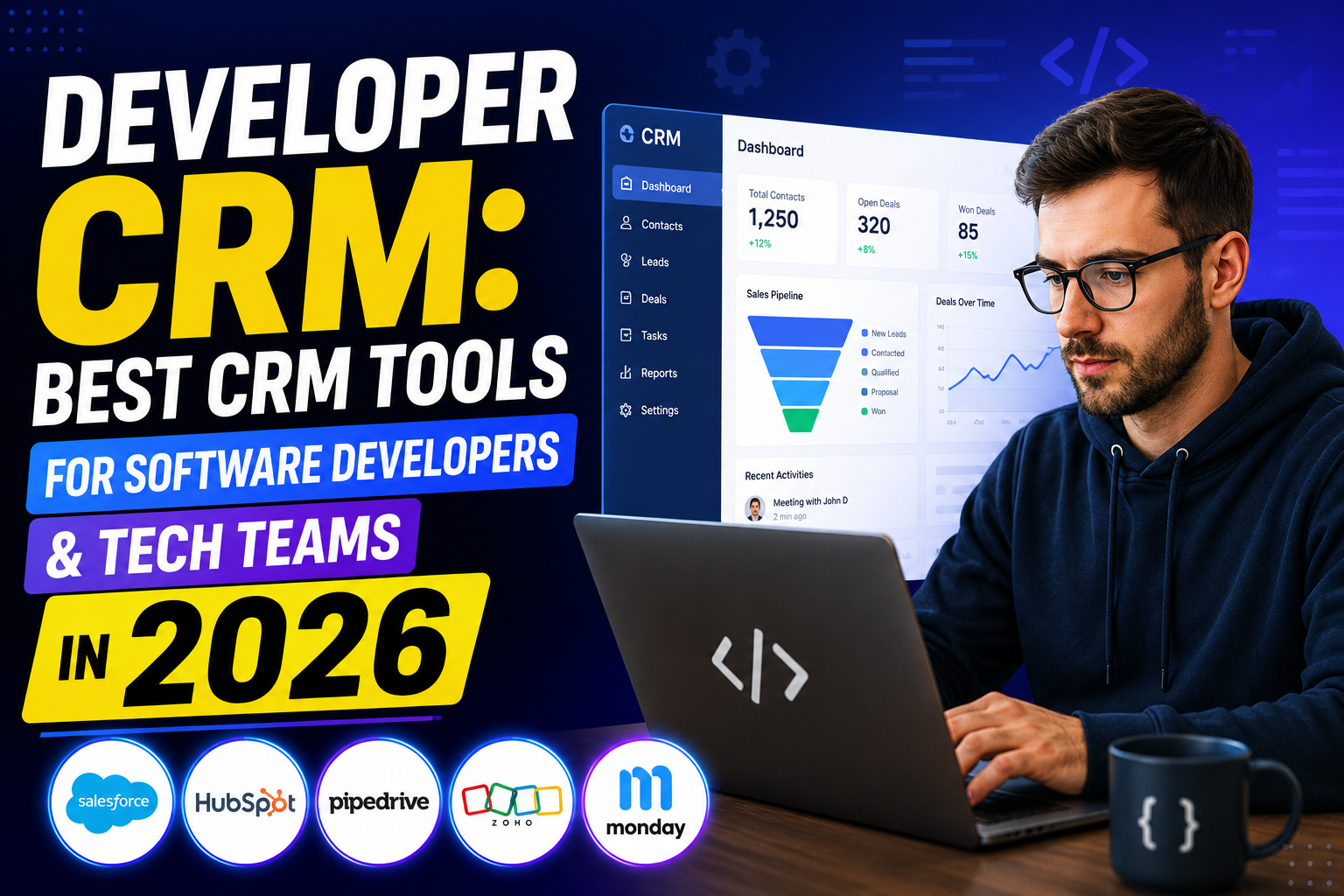
A developer CRM is evaluated differently than a typical sales CRM. While salespeople prioritize ease of use and pipeline features, developers care about API quality, webhook support, SDKs, custom data model flexibility, and integration capability. This guide evaluates the best CRM platforms from a developer’s perspective.
What Makes a CRM Developer-Friendly?
- Comprehensive REST API: Full CRUD operations on all CRM objects with consistent, well-documented endpoints
- Webhooks: Real-time event notifications when CRM data changes—essential for building reactive integrations
- SDKs and client libraries: Official SDKs in major languages (JavaScript, Python, Java, PHP, Ruby) reduce integration code
- Custom objects: Ability to create new data models beyond standard contacts/companies/deals
- GraphQL support: For complex queries with precise data fetching
- Sandbox/development environment: Isolated environment for testing without affecting production data
- Rate limits and reliability: High API rate limits and documented SLAs for production integrations
- Developer documentation: Comprehensive, accurate, and actively maintained docs with code examples
Best Developer-Friendly CRM Platforms in 2026
HubSpot — Best Developer Experience
HubSpot’s developer platform is exceptionally well-built. It offers:
- Comprehensive REST API with full CRUD on all CRM objects
- Custom objects to extend the data model
- Webhooks for all major CRM events
- App marketplace for publishing integrations
- Developer sandbox accounts (free)
- Excellent documentation with code examples in multiple languages
- Official SDKs for Node.js, Python, PHP, Ruby, Java, and C#
- OAuth 2.0 authentication for multi-tenant applications
HubSpot is the top choice for developers building CRM integrations, custom applications, or marketplace apps.
Salesforce — Most Powerful Developer Platform
Salesforce’s developer platform is unmatched in depth—Apex (proprietary programming language), SOQL (Salesforce Object Query Language), LWC (Lightning Web Components), and comprehensive REST/SOAP/Bulk/Streaming APIs. Custom objects, custom metadata, and platform events make Salesforce a genuine application development platform, not just a CRM. Developer Edition is free for learning.
Pipedrive — Simple, Clean API
Pipedrive offers a clean, well-documented REST API with straightforward authentication, webhooks, and SDKs. Less powerful than HubSpot or Salesforce but easier to integrate quickly for standard CRM operations. Good for simpler integration projects.
Zoho CRM — Strong API at Low Cost
Zoho CRM’s API is comprehensive and well-documented with high rate limits on paid plans. Custom modules extend the data model. Deluge scripting language for server-side automation. Good value for developers building on a budget.
Copper CRM — Google Workspace Developer API
Copper’s simple REST API is easy to work with for Google Workspace integration scenarios. More limited than HubSpot or Salesforce but easier to get started with for Google-centric applications.
Building on CRM APIs: Common Developer Use Cases
- Syncing CRM contacts with external databases or SaaS tools
- Building custom CRM dashboards with data from CRM APIs
- Creating webhook handlers to trigger business logic on CRM events
- Building CRM marketplace apps for public distribution
- Automating CRM data enrichment from external sources
- Custom reporting and analytics on CRM data
FAQ
What is the best CRM for developers?
HubSpot offers the best developer experience overall—comprehensive APIs, webhooks, custom objects, excellent documentation, free sandbox, and official SDKs in multiple languages. Salesforce offers the most powerful developer platform for enterprise applications. Pipedrive provides the simplest API for straightforward integration projects.
Does Salesforce have a free developer edition?
Yes—Salesforce Developer Edition is a free, full-featured Salesforce environment for learning, development, and testing. It includes all standard Salesforce features with certain storage and user limits. Available at developer.salesforce.com.
What CRM has the best API?
HubSpot’s API is widely praised for its comprehensiveness, documentation quality, and developer experience. Salesforce’s API is the most powerful with capabilities like Bulk API, Streaming API, and Apex triggers. For simpler use cases, Pipedrive’s API wins for ease of integration.
How do I access CRM data via API?
Most CRM APIs use OAuth 2.0 for authentication. You register an application in the CRM’s developer portal, obtain client credentials, exchange them for an access token, and include the token in API request headers. REST API calls then return JSON data for CRM objects. Most platforms provide Postman collections and sandbox environments for testing.
Conclusion
For developers, the best developer CRM is the one with the API quality, documentation, and extensibility to build the integrations and applications you need. HubSpot leads for developer experience; Salesforce leads for enterprise platform power; Pipedrive leads for simplicity.
Need custom CRM development or integration work? Explore VBWebSol’s CRM development or contact us.