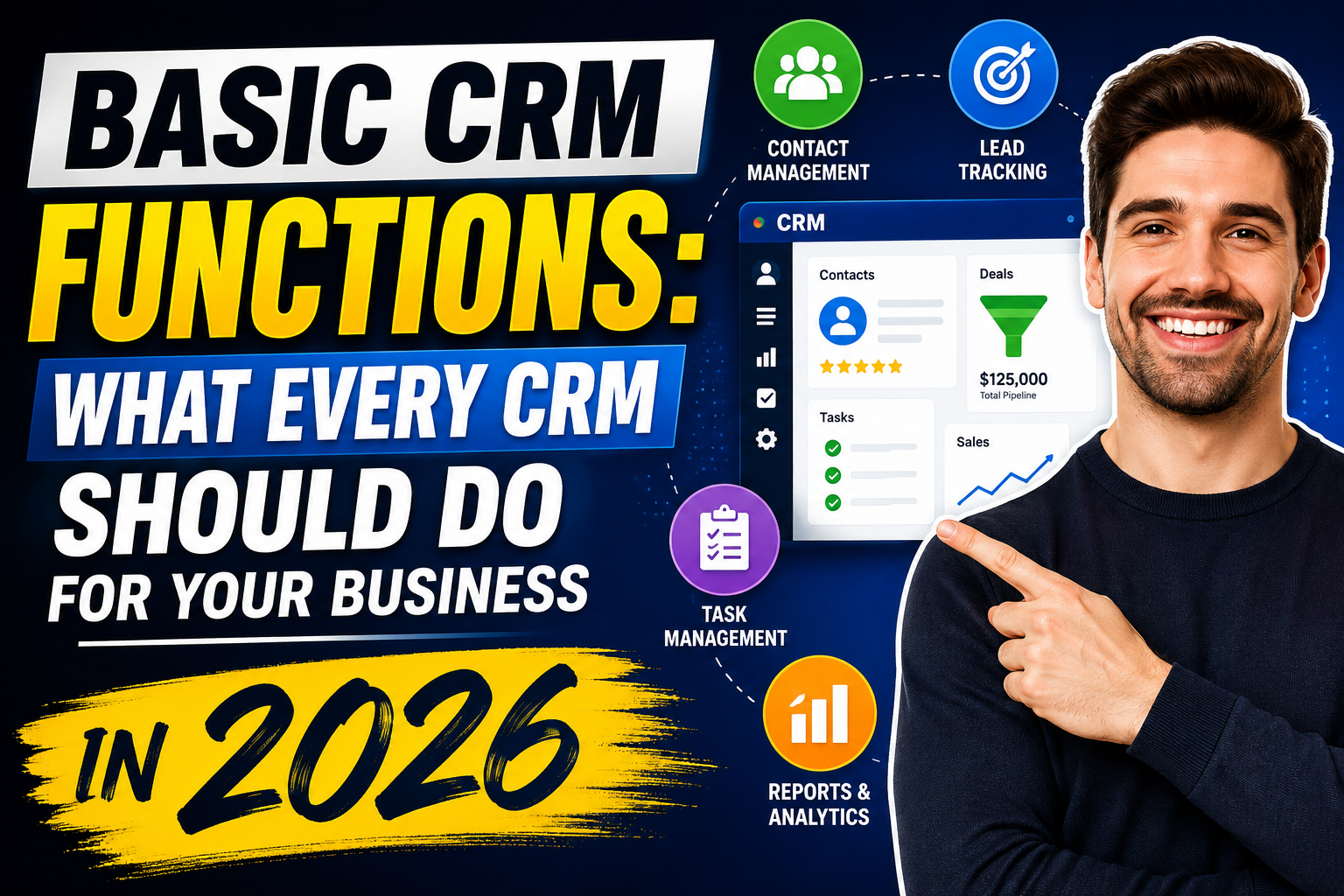
Whether you’re evaluating your first CRM or reassessing your current system, understanding basic CRM functions is essential. At its core, a CRM—Customer Relationship Management system—exists to help businesses manage and grow their customer relationships systematically. But what does that actually mean in practice?
The 7 Core Basic CRM Functions
1. Contact Management
The foundation of any CRM. Store and organize information about every prospect, customer, partner, and vendor: name, contact details, company, role, communication preferences, and relationship history. Every interaction—calls, emails, meetings—should be logged against the relevant contact record.
2. Account and Company Management
In B2B selling, the company (account) is as important as the individual contact. A CRM links individual contacts to their organizations, giving a complete view of all relationships and opportunities within each company or household.
3. Sales Pipeline Management
A visual representation of all active sales opportunities organized by stage—Lead, Qualified, Proposal Sent, Negotiation, Closed Won/Lost. Pipeline management helps sales teams prioritize follow-up, managers forecast revenue, and executives understand business development health.
4. Task and Activity Management
CRM should create, assign, and track sales tasks: follow-up calls, email sends, demo scheduling, proposal delivery. Automated reminders ensure nothing falls through the cracks. Activity logging captures what was done and when against every contact and deal.
5. Email Integration and Communication Logging
Emails sent to and from CRM contacts should be logged automatically. Two-way email sync with Gmail or Outlook means reps don’t need to manually copy emails into the CRM—it happens in the background.
6. Reporting and Dashboards
CRM reporting answers the critical business questions: How many leads came in this month? What’s our win rate by product? How long is our average sales cycle? Which rep has the most pipeline? Standard dashboards for sales performance, pipeline health, and activity volume should be available out of the box.
7. Lead Management and Assignment
Capture leads from multiple sources (website forms, email, calls, social media), automatically score them based on demographics and behavior, and route them to the right sales rep based on territory, industry, or expertise.
Additional CRM Functions as You Scale
Beyond the basics, growing businesses typically need:
- Marketing automation: Email sequences, lead nurturing workflows
- Customer service integration: Support ticket linking to contact records
- Advanced analytics: Revenue forecasting, cohort analysis, attribution modeling
- API integrations: Connecting CRM to ERP, accounting, and industry-specific tools
- Mobile app: CRM access for field sales and remote teams
CRM Functions by Business Type
Small businesses: Focus on contact management, basic pipeline, and email integration. HubSpot free or Zoho CRM free tier covers these well.
Mid-market: Add automation, reporting, and integrations. HubSpot, Pipedrive, or Freshsales.
Enterprise: Full platform with AI, advanced forecasting, compliance, and custom development. Salesforce or Microsoft Dynamics 365.
FAQ
What are the basic functions of a CRM?
The basic CRM functions are: contact and account management, sales pipeline tracking, task and activity management, email logging, reporting and dashboards, and lead capture and assignment. These core capabilities form the foundation of any CRM system regardless of industry or business size.
What is the most important function of a CRM?
Contact management and pipeline visibility are most frequently cited as the most critical CRM functions. Together, they ensure every customer relationship has a complete history and every sales opportunity is tracked and followed up systematically.
Do small businesses need all CRM functions?
No—small businesses typically start with contact management, a basic sales pipeline, and email logging. More advanced functions like automation, complex reporting, and integrations can be added as the business grows. Many CRM platforms offer free tiers covering basic functions with upgrade paths for additional capabilities.
What is the difference between CRM functions and CRM features?
CRM functions describe the business capabilities the system provides (e.g., “manage sales pipeline”). CRM features are the specific technical implementations of those functions (e.g., “Kanban board with drag-and-drop deal stage updates”). When evaluating CRMs, evaluate functions first—then compare features that deliver each function.
Conclusion
Understanding basic CRM functions gives you a clear framework for evaluating any CRM platform—whether you’re choosing your first system or replacing an existing one. Start with the seven core functions, then layer additional capabilities as your business needs evolve.
Want a custom CRM built around your exact functional requirements? Explore VBWebSol’s CRM development or contact us today.