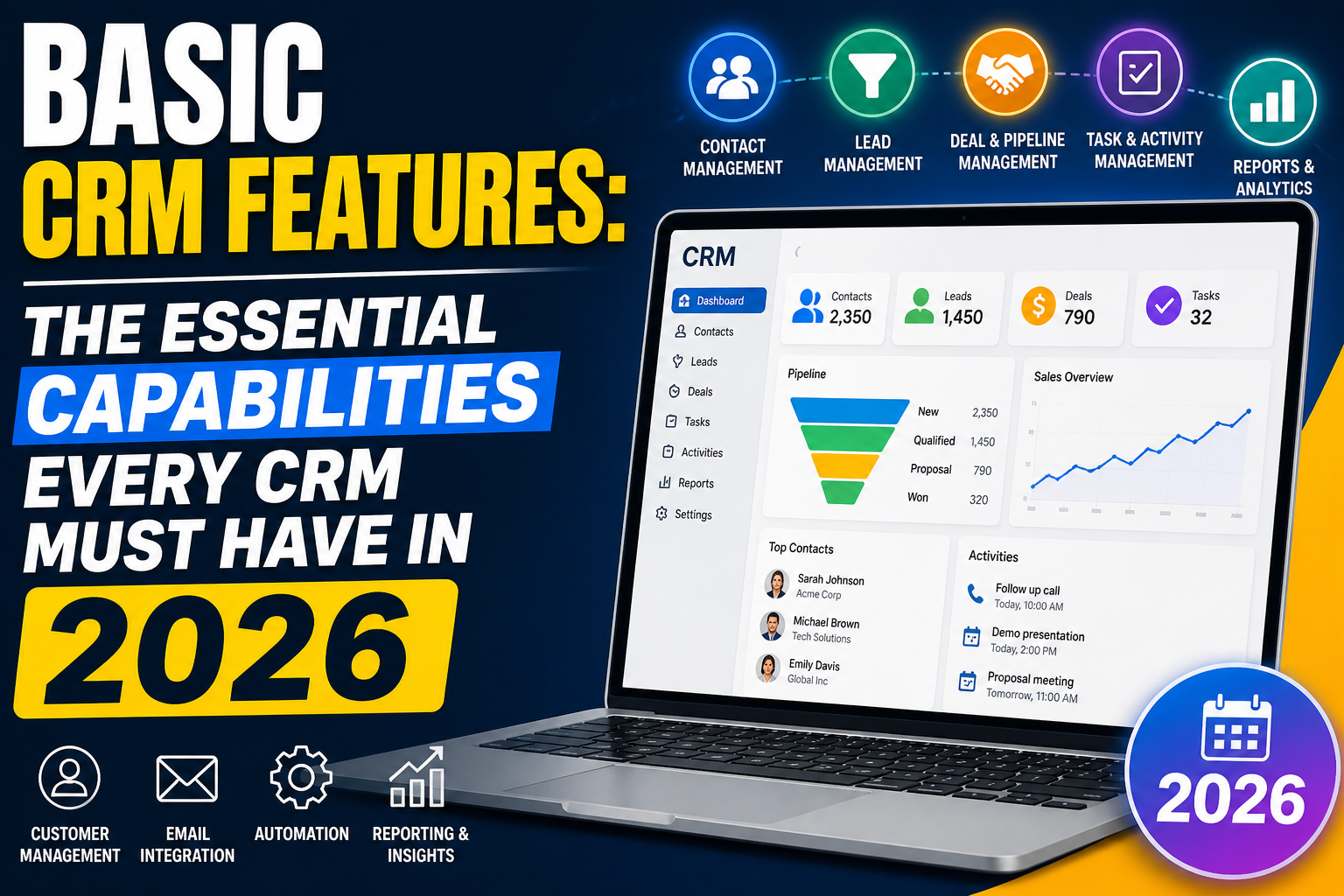
Before evaluating specific CRM platforms, it’s essential to understand what basic CRM features every system should provide. These foundational capabilities aren’t optional—they’re the minimum requirements that make a CRM actually useful for managing customer relationships.
The 10 Basic CRM Features Every System Should Include
1. Contact Management
The ability to store, search, and manage contact information for every customer, prospect, and partner. Each contact record should include name, phone, email, company, role, and custom fields specific to your business. This is the absolute foundation of any CRM.
2. Account/Company Management
In B2B, contacts belong to companies (accounts). Basic CRM must link individual contacts to their organizations and maintain company-level information including industry, size, and revenue—providing a complete view of every account relationship.
3. Deal/Opportunity Tracking
Track sales opportunities from creation through close with deal name, value, expected close date, stage, and probability. This enables pipeline visibility and revenue forecasting.
4. Sales Pipeline Visualization
A visual representation of all active deals organized by stage—typically a Kanban-style board. Pipeline views help reps prioritize and managers forecast revenue at a glance.
5. Activity Logging
Record every customer interaction—calls, emails, meetings, and notes—against the relevant contact and deal. Activity logs create relationship history accessible to any team member and preserve knowledge when staff change.
6. Task and Follow-Up Management
Create, assign, and track tasks with due dates, priorities, and reminders. Every deal should have a defined next action logged in the CRM.
7. Email Integration
Sync with Gmail or Outlook so emails to and from CRM contacts are logged automatically. At minimum, BCC logging should be available. Two-way sync is the modern standard.
8. Search and Filtering
Find contacts, companies, and deals quickly by name, company, tag, owner, or any field. Advanced filtering creates targeted lists for specific follow-up or reporting purposes.
9. Basic Reporting and Dashboards
Standard reports on pipeline value by stage, deals won and lost, activity volume, and lead source performance. A customizable dashboard showing the metrics each user cares about most.
10. User and Permission Management
Different team members need different data access. Basic CRM should support multiple users with role-based permissions—at minimum distinguishing between admins, managers, and standard users.
Nice-to-Have vs. Basic CRM Features
The following are valuable but not universally required as “basic”:
- Marketing automation and email sequences
- Workflow automation and process triggers
- AI-powered lead scoring and forecasting
- Live chat and customer service tools
- Advanced analytics and custom reporting
- Third-party integrations beyond email
These move from “nice to have” to “essential” as your team and processes grow in sophistication.
Basic CRM Features by Platform
| Platform | All 10 Basic Features? | Free Tier? |
|---|---|---|
| HubSpot CRM | Yes | Yes |
| Zoho CRM | Yes | Yes (3 users) |
| Salesforce Starter | Yes | No ($25/user/mo) |
| Pipedrive | Yes | No ($15/user/mo) |
| Freshsales | Yes | Yes (limited) |
FAQ
What are the basic features of a CRM?
The basic CRM features every system should include are: contact management, account/company management, deal/opportunity tracking, pipeline visualization, activity logging, task management, email integration, search and filtering, basic reporting, and user permission management. These ten capabilities form the essential foundation of any CRM.
What is the most important CRM feature?
Contact management and pipeline tracking are consistently cited as the most important CRM features. Together, they ensure every customer relationship has a complete history and every sales opportunity is tracked and followed up—addressing the core problem that CRM exists to solve.
Do small businesses need all basic CRM features?
Most small businesses benefit from all ten basic CRM features—even simple contact management and pipeline tracking provide immediate value. The question is usually whether to start with a free platform covering the basics before upgrading, or invest in a paid platform from the start.
What are the differences between basic and advanced CRM features?
Basic CRM features handle data storage, organization, and visibility—contact management, pipeline tracking, activity logging. Advanced features add intelligence and automation—AI forecasting, behavioral automation, complex workflow rules, predictive lead scoring, and multi-channel campaign management.
Conclusion
Understanding basic CRM features gives you a clear evaluation framework when comparing platforms. Any CRM worth considering should excel at these ten fundamentals—advanced features only matter when the basics are solid.
Want a custom CRM built around your exact requirements? Explore VBWebSol’s CRM development or contact us.