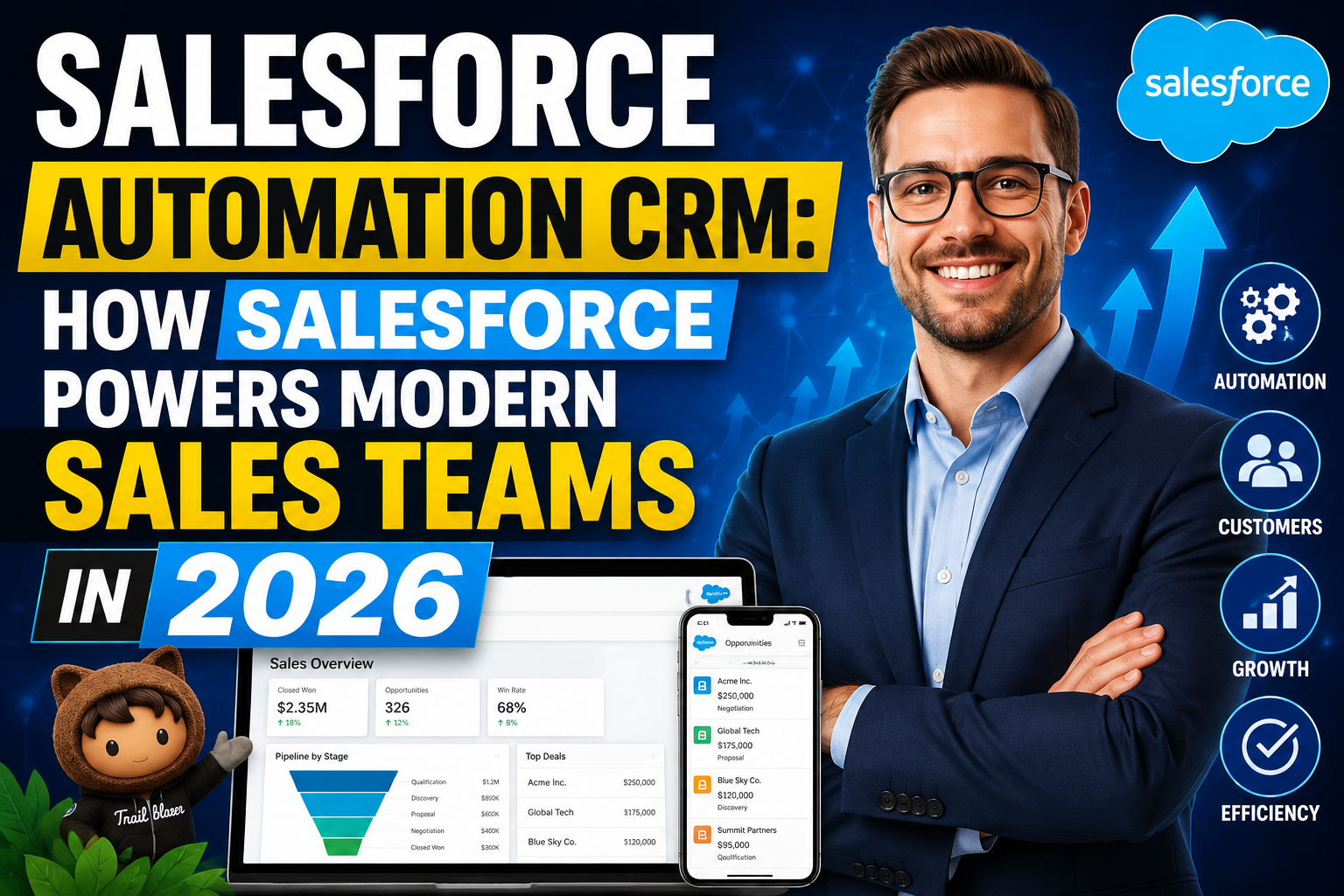
Salesforce is the world’s most widely deployed CRM platform, and its automation capabilities — delivered through Flow Builder, Einstein AI, Sales Engagement, and the broader AppExchange ecosystem — represent the most sophisticated sales force automation tools available to any sales organisation. Understanding how to leverage Salesforce automation effectively is a strategic capability that separates high-performing Salesforce deployments from underperforming ones: the platform contains the tools to transform sales operations, but those tools require thoughtful configuration and adoption to deliver their full potential.
This guide provides a comprehensive overview of Salesforce automation CRM capabilities in 2026,
covering the core automation tools, Einstein AI features, best practices for workflow configuration,
and how to build the automated sales process that transforms Salesforce from a sophisticated contact database into a genuine revenue acceleration engine.
Salesforce Core Automation Tools
Salesforce provides four primary automation tools that together cover every automation requirement. Flow Builder: Salesforce’s primary automation engine, enabling the creation of complex,
multi-step automated processes (called Flows) triggered by record changes, button clicks, schedules, or platform events. Flows can query and modify any Salesforce data, send emails, create tasks, make outbound API calls, and route records through complex logic. Flow has replaced the older Workflow Rules and Process Builder tools, which Salesforce is retiring. Approval Processes: Automated routing of records for human approval — discount requests, contract approvals,
expense submissions — with configurable approvers, email notifications, and escalation rules.
Assignment Rules: Automated routing of leads and cases to the appropriate representative based on configurable criteria: territory, product interest, lead source, company size, or any other field value. Assignment rules ensure immediate, consistent lead routing without manual dispatcher intervention. Sales Engagement (formerly High Velocity Sales): Salesforce’s native sales engagement tool providing AI-powered prospect lists, automated email sequences, power dialling with local presence,
and engagement tracking — available on Salesforce Enterprise and Unlimited editions or as a standalone add-on.
Einstein AI in Salesforce Automation
Salesforce Einstein brings AI-powered intelligence to automation. Einsteins Lead Scoring predicts lead conversion probability, prioritising the highest-potential leads for immediate representative attention. Einstein Opportunity Scoring predicts deal close probability, enabling sales managers to focus coaching on at-risk high-value opportunities. Einsteins Activity Capture automates activity logging from email and calendar,
eliminating the most time-consuming manual CRM task. Einstein Conversation Insights (from Salesforce’s Kaia AI) analyses call recordings for competitor mentions, customer sentiment,
and talk patterns correlated with wins.
Building Automated Sales Workflows in Salesforce
Building effective Salesforce automation workflows starts with process documentation — mapping the current sales process and identifying the specific decision points and actions that should be automated. The most impactful Salesforce automation workflows are: Lead assignment and immediate follow-up: When a new lead is created (from any source), Flow automatically enriches the lead data, applies scoring, routes to the correct representative, creates an immediate follow-up task with a due-time alert,
enrolls in a Sales Engagement sequence, and sends an acknowledgment email. This entire process happens in seconds without any manual intervention.
Opportunity advancement: When an opportunity advances to the Proposal stage, Flow automatically creates a proposal preparation task, schedules a proposal delivery meeting from a meeting scheduler link,
updates the close date based on typical stage duration, and notifies the sales manager. Deal health monitoring: Scheduled Flow runs nightly to identify opportunities with no activity in 14+ days, create manager-visible stale deal flags, and generate automated email alerts. Win/loss automation: When an opportunity closes,
Flow triggers a win confirmation email (for closed-won) or a loss analysis task (for closed-lost) and updates forecasting models automatically. Document each workflow in a process map before building in Salesforce — this reduces rework and ensures logical consistency.
Salesforce AppExchange Automation Tools
The Salesforce AppExchange extends core platform automation with over 300 automation-focused applications. Outreach for Salesforce: Integrates Outreach’s industry-leading sales engagement platform directly into Salesforce — enabling AI-powered sequence automation, conversation intelligence, and revenue operations analytics from within the Salesforce interface. Conga Composer: Advanced document generation that creates proposals, contracts, and reports from Salesforce data with sophisticated templating capabilities. DocuSign for Salesforce: E-signature workflows directly integrated with Salesforce opportunity and contract records — automatically updating deal status when contracts are signed.
Clearbit Connect for Salesforce: Real-time lead and account enrichment pulling firmographic data, contact information, and technology stack data from Clearbit’s database to enrich Salesforce records automatically. Lean Data: Advanced lead-to-account matching and routing that assigns leads to the correct account and representative with greater accuracy than native Salesforce assignment rules,
particularly important for account-based sales motions. These AppExchange tools complement Salesforce’s native automation to create a comprehensive, highly integrated sales automation ecosystem.
Salesforce Automation Best Practices
Effective Salesforce automation implementation follows five best practices. Document before building: Map every workflow in a process diagram before opening Flow Builder — understanding the complete logic before building prevents the rework that results from discovering edge cases during development. Start with high-impact, low-complexity automations: Lead assignment rules and activity auto-logging deliver immediate value with minimal build complexity — start here before tackling complex multi-branch Flows. Test thoroughly: Test every automation against real data scenarios including edge cases (missing fields, unusual values, concurrent triggers) before deploying to production.
Monitor automation performance: Use Salesforce’s automation audit tools to monitor Flow errors, identify triggered flows consuming excessive CPU, and verify that automations are firing as expected after deployment. Schedule monthly automation reviews with your Salesforce admin to identify outdated automations, optimise performance, and identify new automation opportunities. Document automations: Maintain a registry of all active automations with their trigger conditions, actions, and business purpose — essential for troubleshooting, onboarding new admins, and planning future development.
Frequently Asked Questions
What Salesforce automation tools are available?
Salesforce provides Flow Builder (the primary automation engine for complex workflows),
Approval Processes (human-in-the-loop approval routing), Assignment Rules (lead and case routing),
Sales Engagement (email sequences and power dialling), Einstein AI (lead scoring, opportunity scoring, activity capture, conversation insights),
and the AppExchange ecosystem of 300+ automation applications. Flow Builder has replaced the older Workflow Rules and Process Builder tools, which are being retired.
How much does Salesforce automation cost?
Salesforce automation features are tiered by edition. Assignment Rules and basic Flows are available on all paid editions. Advanced Flow capabilities and Einstein Lead Scoring are available on Enterprise ($165/user/month) and above. Sales Engagement is available on Enterprise and Unlimited or as a standalone add-on (~$75/user/month). Einstein Conversation Insights requires Einstein for Sales add-on. Most impactful automation capabilities require Enterprise edition as a minimum.
What is Salesforce Flow Builder?
Salesforce Flow Builder is the platform’s visual automation tool for building automated processes (called Flows) without code. Flows can be triggered by record creation,
record updates, button clicks, schedules, or platform events. Within a Flow, you can query and modify Salesforce records, send emails,
create tasks, call external APIs,
and apply complex conditional logic with loops and decisions. Flow Builder has replaced Workflow Rules and Process Builder as Salesforce’s primary automation tool.
How do I automate lead follow-up in Salesforce?
Automate lead follow-up in Salesforce using a record-triggered Flow on Lead object creation: (1) Enrich lead using an external service callout (optional), (2) Apply lead scoring using Einstein or custom scoring fields, (3) Route to appropriate representative using assignment rules or Flow routing logic,
(4) Create immediate follow-up task with high priority and due time of 5 minutes,
(5) Enroll in Sales Engagement sequence (if applicable), (6) Send lead acknowledgment email via Flow email action. This complete automation runs in under 10 seconds from lead submission.
Conclusion
Salesforce automation CRM capabilities represent the most sophisticated sales force automation tools available — enabling organisations that invest in proper configuration and adoption to build sales processes that scale efficiently, perform consistently,
and continuously improve through AI-powered insights. The platform provides everything needed to automate the modern sales process;
the key to realising its full potential is thoughtful workflow design, rigorous testing, and sustained adoption management.
Related Articles
Ready to grow your business with the right technology? Explore VBWebSol’s Custom CRM Software Solutions or contact our expert team for a free consultation. With over 12 years of IT expertise in Ahmedabad,
we help businesses across India and globally implement solutions that deliver real, measurable results.