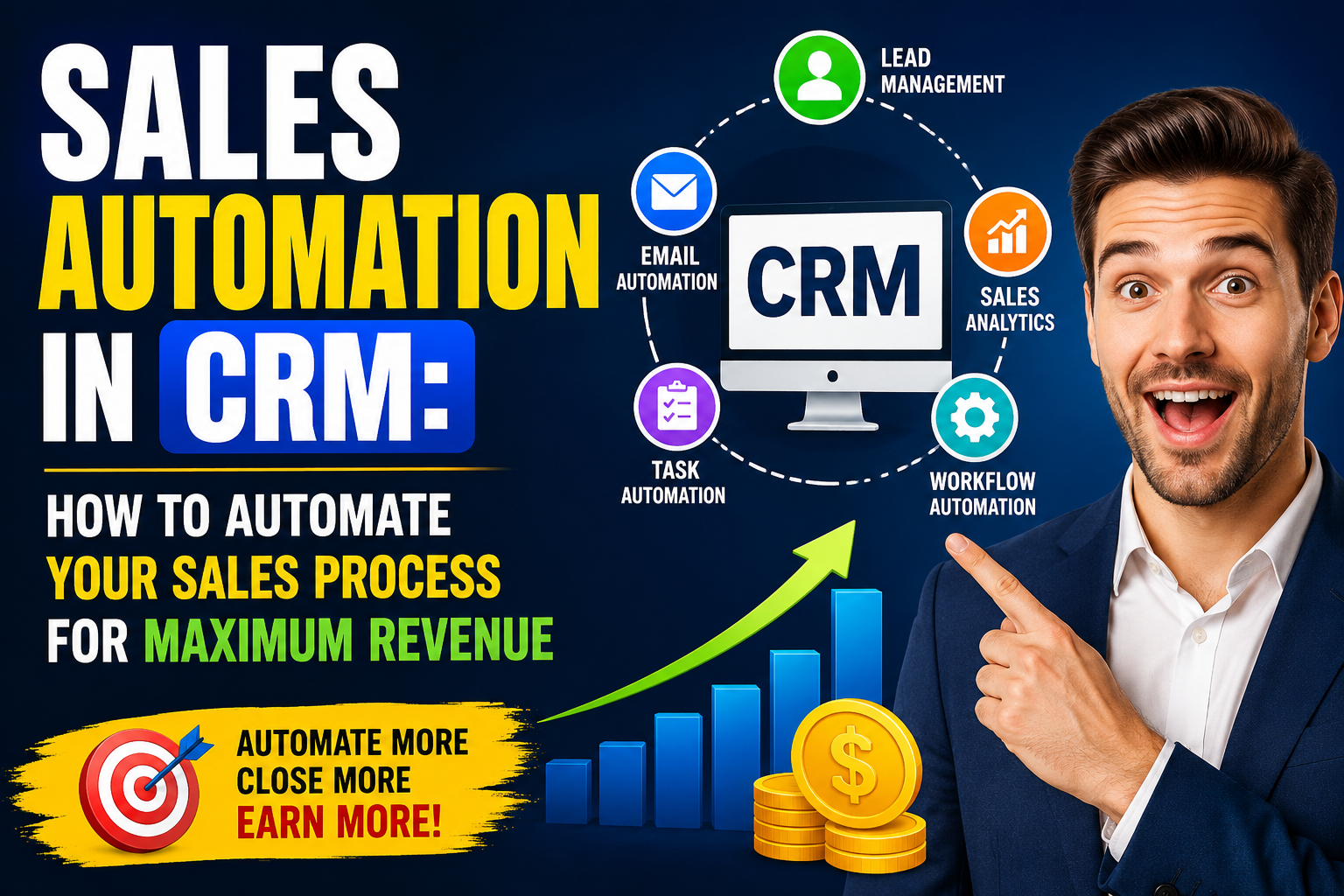
Sales automation in CRM is the practice of using technology to handle repetitive, rule-based tasks in the sales process — allowing sales representatives and managers to focus their time and energy on the high-value, relationship-intensive activities that actually win deals. In a competitive sales environment where speed of response,
consistency of follow-up, and quality of customer insight are primary differentiators, sales automation provides the operational foundation that enables sales teams to perform at their best regardless of individual skill level or workday variability.
This practical guide covers the most impactful sales automation workflows to implement in your CRM,
the platforms that deliver the best automation capabilities at different price points,
and how to measure the revenue impact of your automation investment.
The Sales Tasks Worth Automating
Not all sales tasks benefit equally from automation — the highest-value automation targets are those that are repetitive, rule-based,
and time-consuming but low on judgment and relationship requirements. Lead data enrichment: Automatically enriching new leads with company size, industry, technology stack,
and social profile data from tools like Clearbit, ZoomInfo, or Apollo eliminates 15-30 minutes of research per lead. Email follow-up sequences: Multi-touch email sequences that send automatically based on prospect behaviour (email opens, link clicks, website visits) maintain consistent prospect engagement without daily manual effort from representatives.
Meeting scheduling: Calendar automation tools (Calendly, HubSpot Meetings, Chili Piper) eliminate the email back-and-forth of scheduling conversations — a single link in an email replaces 4-8 messages on average. CRM data entry: Email and calendar synchronisation that automatically logs communications to CRM records eliminates the single most time-consuming CRM task for most sales representatives. Pipeline update reminders: Automated alerts that flag deals not updated within a defined period prompt pipeline hygiene without requiring managers to manually chase representatives. These five automation types alone can save 5-10 hours per representative per week.
What Not to Automate
Equally important is understanding what should not be automated. First contact with high-value prospects, relationship maintenance conversations with existing customers, complex negotiation communications,
and any communication requiring genuine personalisation based on specific context should remain human-generated. Over-automation — sending generic sequences to prospects who deserve personalised attention — damages relationships and brand perception. The rule: automate tasks that don’t require human judgment; keep human judgment in all communications that create or maintain significant relationships.
Building Sales Automation Workflows
Effective sales automation workflows map to the stages of your specific sales process. A typical B2B workflow architecture includes: Lead intake workflow: New lead arrives → enrich with firmographic data → score against ICP criteria → route to appropriate representative → create first-contact task with 5-minute SLA → send acknowledgment email → if no response in 24 hours, trigger email sequence. Pipeline advancement workflow: Deal moves to proposal stage → create proposal preparation task → schedule proposal delivery meeting → send pre-meeting preparation email → post-meeting, if no response in 48 hours, send follow-up.
Deal stall workflow: Deal inactive for 14 days → alert assigned representative with pipeline hygiene task → if no update in 72 hours, alert manager → generate analysis of deal health. Won deal workflow: Deal marked closed-won → create customer onboarding task → notify customer success team → trigger welcome email sequence → schedule 30-day check-in. Lost deal workflow: Deal marked closed-lost → record loss reason → trigger competitive intelligence update → schedule re-engagement sequence for 90 days. Document these workflows in your CRM’s automation builder before configuration,
validating with your sales team that they reflect actual process requirements.
Top CRM Platforms for Sales Automation
Platform selection for sales automation should prioritise workflow automation depth, native integration with communication tools, AI capabilities for intelligent automation, and ease of configuration for non-technical administrators. HubSpot Sales Hub Professional ($90/user/month): Excellent balance of automation power and ease of use. Sequences, workflows, conversation intelligence, and predictive lead scoring are all well-implemented. Strong free CRM tier for getting started. Salesforce Sales Cloud Enterprise ($165/user/month): Maximum automation power through Flow builder, Einstein AI, and the AppExchange ecosystem. Requires more configuration expertise but delivers the most sophisticated automation capabilities. Zoho CRM Enterprise ($40/user/month): Powerful automation at competitive pricing — Blueprint process automation, AI assistant Zia,
and comprehensive workflow builder deliver enterprise-grade SFA at SMB pricing.
Pipedrive Advanced ($37.90/user/month): Clean, visual automation builder with email sequences and smart contact data enrichment. Best for small sales teams wanting effective automation without complexity. Close CRM ($49/user/month): Built specifically for high-velocity inside sales — powerful automation for call-heavy outbound teams with built-in power dialling and email sequences. Outreach and Salesloft: Sales engagement platforms that extend CRM automation with AI-powered sequence recommendations, conversation intelligence,
and revenue operations analytics — used alongside a core CRM for enterprise B2B sales teams.
Frequently Asked Questions
What is the best CRM for sales automation?
HubSpot Sales Hub offers the best balance of automation capability and ease of use for most SMB to mid-market sales teams. Salesforce delivers the most powerful automation for enterprise requirements but requires more configuration expertise. Zoho CRM provides the best value automation for budget-conscious teams. Close CRM is best for high-velocity inside sales teams. The right choice depends on your sales motion (inbound vs outbound),
team size, technical capabilities, and budget.
How do I automate lead follow-up in CRM?
Automate lead follow-up by creating a workflow triggered when a new lead is created: (1) Enrich the lead with firmographic data, (2) Score against your ICP criteria,
(3) Route to the appropriate representative,
(4) Create an immediate follow-up task with a 5-minute SLA alert, (5) Enroll in an email sequence if no manual response within 24 hours. This automation ensures every lead receives immediate,
consistent follow-up regardless of which representative is handling it.
What is an automated email sequence in CRM?
An automated email sequence is a series of pre-written emails that send automatically to a prospect at defined intervals or triggered by specific behaviours. For example: Day 0 (intro), Day 3 (value proposition), Day 7 (case study),
Day 12 (specific question), Day 18 (breakup email). Sequences pause automatically when a prospect replies, ensuring the automation doesn’t continue after a human conversation has begun. Most CRM platforms include sequence tools in their sales automation features.
How much time does sales automation save?
Sales automation typically saves 5-10 hours per representative per week. The biggest time savings come from: email and calendar auto-logging to CRM (2-3 hours/week), automated email sequences replacing manual follow-up (1-2 hours/week), meeting scheduling automation (1-2 hours/week),
and automated data enrichment replacing manual research (1-2 hours/week). At 40 work hours per week,
this represents a 12-25% increase in available selling time per representative.
Conclusion
Sales automation in CRM is one of the most impactful investments a sales organisation can make — directly converting administrative overhead into selling time and converting inconsistent manual processes into reliable, scalable sales systems. By automating the right tasks,
building workflows that mirror your actual sales process,
and measuring the time and revenue impact rigorously,
you create a competitive advantage that compounds with every new sales hire and every additional automation workflow.
Related Articles
Ready to grow your business with the right technology? Explore VBWebSol’s Custom CRM Software Solutions or contact our expert team for a free consultation. With over 12 years of IT expertise in Ahmedabad,
we help businesses across India and globally implement solutions that deliver real, measurable results.