Automation in email marketing has transformed how businesses communicate with prospects and customers. Instead of manually sending individual emails, automation allows you to deliver the right message to the right person at exactly the right time—based on their behavior, preferences, and journey stage—all without lifting a finger after the initial setup.
In this complete guide, we’ll cover everything from the basics of email automation to advanced workflow strategies, platform comparisons, and measurable ROI metrics.
What Is Email Marketing Automation?
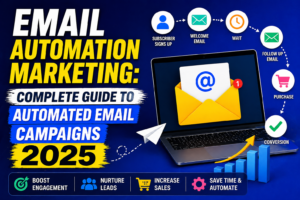
Email marketing automation is the use of software to send emails automatically based on predefined triggers, schedules, or subscriber behaviors. Rather than batch-and-blast campaigns, automated emails are triggered by specific actions—like signing up for a newsletter, abandoning a cart, or reaching a purchase anniversary.
The result is highly relevant, timely communication that feels personalized even when sent at scale.
Types of Email Marketing Automation
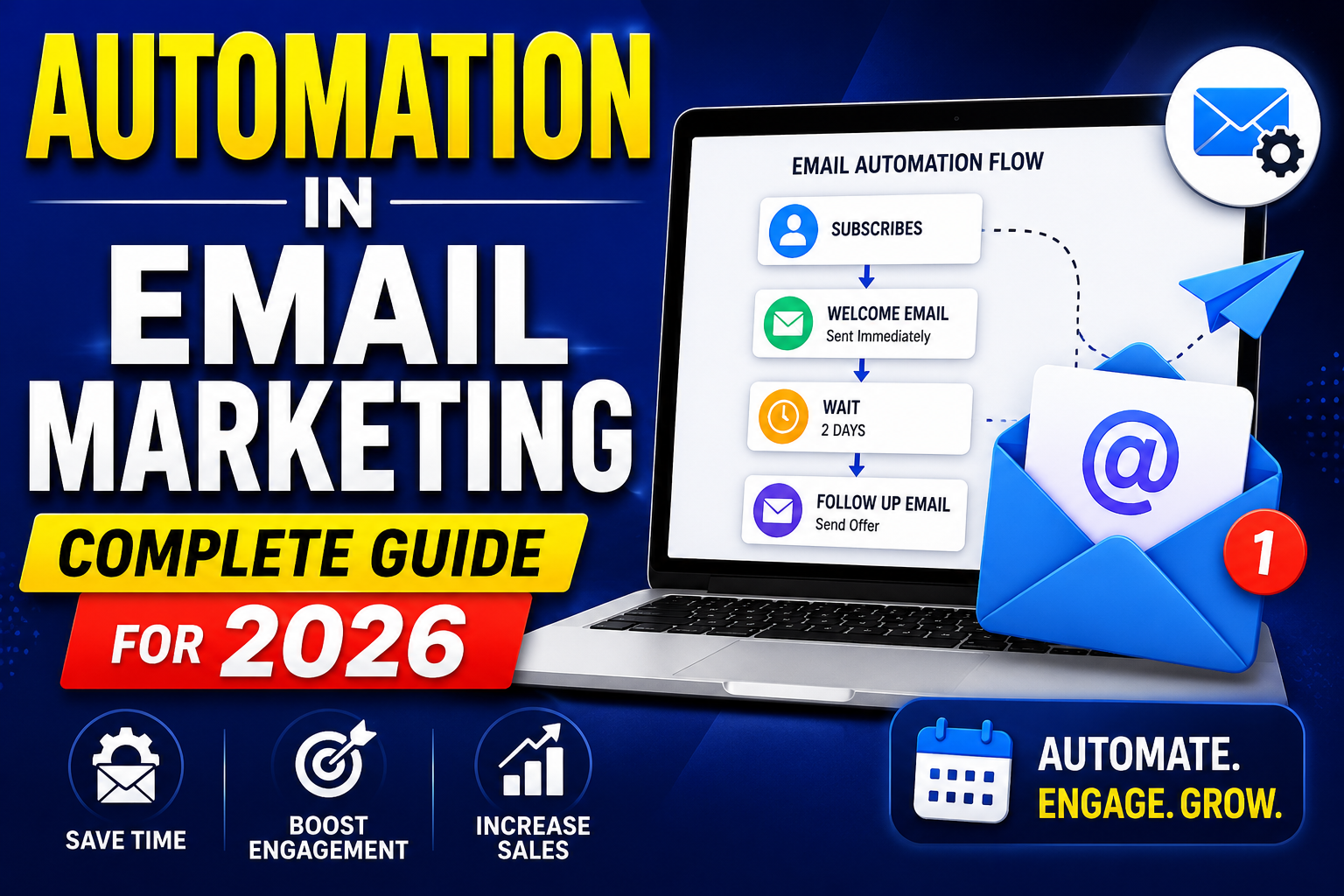
1. Welcome Email Sequences
Triggered when a new subscriber joins your list. A well-crafted welcome sequence introduces your brand, sets expectations, and delivers immediate value—typically achieving open rates 4x higher than standard campaigns.
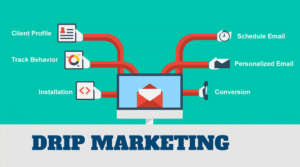
2. Drip Campaigns
A series of emails sent on a schedule to nurture leads through the sales funnel. Drip campaigns are time-based and educational, gradually moving prospects from awareness to purchase consideration.
3. Behavioral Trigger Emails
Sent based on specific actions a subscriber takes—clicking a link, visiting a pricing page, downloading a resource, or engaging with previous emails. Behavioral emails are among the highest-converting automated messages.
4. Abandoned Cart Emails
E-commerce’s most powerful automation. When a shopper adds items to their cart but doesn’t complete the purchase, a sequence of reminder emails recovers a significant percentage of lost revenue—typically 5–15% of abandoned carts.
5. Re-engagement Campaigns
Automatically sent to inactive subscribers who haven’t opened emails in 3–6 months. Re-engagement sequences attempt to win back disengaged contacts before they’re removed from the list.
6. Post-Purchase Sequences
Triggered after a purchase to deliver order confirmations, shipping updates, product usage tips, review requests, and upsell/cross-sell recommendations.
7. Birthday and Anniversary Emails
Personalized emails triggered on subscriber birthdays or customer anniversaries. These typically include special offers and achieve exceptionally high engagement rates.
8. Lead Scoring Automation
When integrated with a CRM, email automation can automatically score leads based on engagement (opens, clicks, content downloads) and trigger CRM alerts when a lead reaches sales-ready status.
Key Components of a High-Performing Email Automation Workflow
Trigger
What event starts the automation? Common triggers include form submissions, list joins, specific link clicks, purchases, date-based events, or CRM data changes.
Conditions and Filters
Conditions allow you to branch your automation based on subscriber attributes or behaviors. For example: “If contact is in segment ‘Enterprise’ → send Email A. If contact is in segment ‘SMB’ → send Email B.”
Actions
What happens at each step? Actions can include sending emails, adding/removing tags, updating CRM fields, notifying sales reps, adding to a new list, or waiting for a specified time period.
Timing and Delays
Smart timing is critical. Set delays between emails based on engagement: wait 2 days, then check if the previous email was opened before sending the next message.
Best Platforms for Email Marketing Automation
ActiveCampaign
Industry-leading automation builder with conditional logic, CRM integration, and hundreds of pre-built recipe templates. Best for businesses needing sophisticated, multi-step customer journeys.
HubSpot
HubSpot’s workflow automation connects email with CRM, social media, ads, and internal notifications. Ideal for marketing and sales teams that need a unified automation platform.
Klaviyo
The gold standard for e-commerce email automation with deep Shopify and WooCommerce integrations, predictive send-time optimization, and revenue-attributed reporting.
Mailchimp
Good entry-level automation with customer journey builder. Best for small businesses with straightforward automation needs who don’t require complex branching logic.
Brevo
Affordable automation platform with SMS, WhatsApp, and email in one. Great for multichannel automation without the high price tag of premium platforms.
Email Automation Best Practices
- Start simple: Begin with a welcome sequence and abandoned cart automation before building complex workflows.
- Test and optimize: A/B test subject lines, send times, and email content within automated sequences regularly.
- Personalize beyond first name: Use behavioral data, purchase history, and CRM attributes to make every automated email feel uniquely relevant.
- Respect frequency: Automated emails can stack up quickly. Cap contacts at 2–3 automated emails per week to prevent unsubscribes.
- Monitor deliverability: High bounce rates from automated campaigns can damage your sender reputation. Keep your list clean.
Measuring Email Automation ROI
Key metrics to track:
- Open rate: Benchmark varies by industry; automated emails typically achieve 35–50% open rates vs. 20–25% for broadcast campaigns.
- Click-through rate (CTR): Measures engagement with email content and links.
- Conversion rate: Percentage of recipients who complete a desired action (purchase, sign-up, demo request).
- Revenue per email: Total revenue attributed to automated emails divided by emails sent.
- Unsubscribe rate: High rates signal messaging fatigue or poor targeting.
Related Resources
Frequently Asked Questions
What is automation in email marketing?
Email marketing automation refers to using software to send emails automatically based on triggers, schedules, or subscriber behaviors. Instead of manual sending, automated workflows deliver personalized messages at scale—like welcome sequences, abandoned cart emails, or post-purchase follow-ups—triggered by specific actions or conditions.
What is the most effective email automation?
Abandoned cart emails and welcome sequences consistently deliver the highest ROI in email marketing automation. Welcome emails achieve 4x higher open rates than standard campaigns, while abandoned cart sequences recover 5–15% of lost e-commerce revenue on average.
How do I start with email marketing automation?
Begin with a welcome email sequence for new subscribers, then add an abandoned cart flow (for e-commerce) or a lead nurture drip campaign (for B2B). Choose a platform like ActiveCampaign, HubSpot, or Mailchimp, map your customer journey, define triggers, and build your first workflow before adding complexity.
Is email marketing automation expensive?
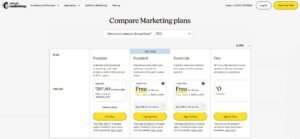
Email automation costs vary widely. Platforms like Brevo and Mailchimp offer automation on free or low-cost plans. Advanced platforms like ActiveCampaign start around $15/month. Enterprise-grade solutions like HubSpot’s Professional tier cost more but provide greater ROI through sophisticated CRM-connected automation.
Conclusion
Implementing automation in email marketing is one of the highest-ROI investments a business can make. Once configured, automated workflows generate revenue, nurture leads, and retain customers around the clock—without ongoing manual effort.
Ready to build a powerful automated email marketing system? Partner with VBWebSol’s digital marketing experts or contact us today to get started.